A Capture Card's Passthrough Mode Is Not Its Recording Mode
Check what reaches the display and what reaches the recording computer as two separate requirements.
180 complete guides to choosing, connecting, and caring for everyday technology.
Try fewer words or choose another topic.
Check what reaches the display and what reaches the recording computer as two separate requirements.
Separate power entering the dock, power reserved for accessories, and power delivered through the host cable.
Use the return period to confirm the complete desk workflow, including the transitions that product specifications cannot demonstrate for your equipment.
Port count is only part of the decision when one accessory travels daily and another stays wired behind a screen.
A tidy bend can improve clearance, but the extra connector must preserve every capability the setup uses.
A small, documented kit beats carrying every connector without knowing which one the laptop can drive.
A trustworthy model number and a verified rating are more useful than an unexplained version number in a marketplace title.
Charging a phone, feeding a monitor, and moving a video folder place different demands on the same-looking cable.
A new connector on the computer does not necessarily require replacing a working printer, but software support still matters.
A webcam across the room and a keyboard across the desk need different extension plans.
The pattern of what drops out is more useful than replacing every cable at once.
One cable is convenient when the devices support it; two correctly assigned cables can be the more reliable arrangement.
Choose the box that matches the direction of your signals and the number of independent pictures you need.
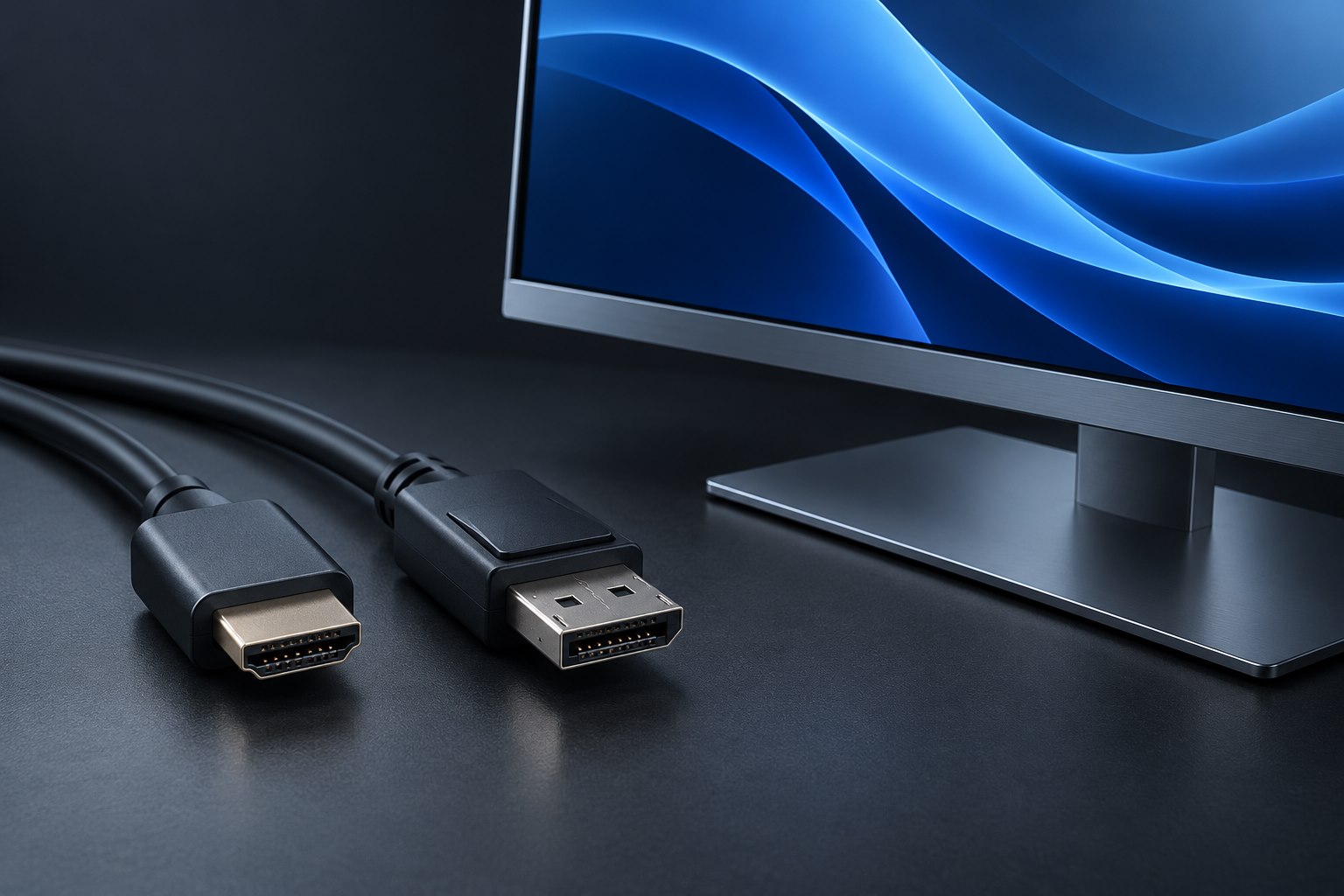
An adapter that works from a DisplayPort computer to an HDMI screen may be useless when the signal travels the other way.
Standing desks and monitor arms need working slack, not just enough cable to connect at one position.
A monitor needs the right output, the host needs the right support, and every screen shares the available connection capacity.
Map video, keyboard, mouse, and optional peripherals separately before choosing the box that switches them.
Long-distance video connections need a route, a direction, and a practical replacement plan.
Downstream ports, shared capacity, and the order of devices all deserve a place in the connection diagram.
A reversible connector can carry several very different promises. Build a short capability map before choosing a dock or cable.
The useful question is whether a specific cable length supports your display setup, not whether its marketing name sounds advanced.
The protocol badge matters, but the host computer, screen plan, and charging budget still decide whether a dock fits.
Use the printed speed, manufacturer legend, and exact port map to avoid assumptions based on blue, red, or yellow plastic.
Match the exact model, read the release notes, and protect the update from ordinary desk interruptions.
Sharing a keyboard and mouse can be simpler than routing every video signal through a full KVM.
Backward compatibility can preserve useful functions, but it is not a promise that every feature survives every combination.
The adapter can translate a supported display signal, but the USB-C source must provide that signal first.
Extra sockets do not create unlimited power or bandwidth. Match the hub to the devices that will share it.
Power reaching a computer is useful evidence, but it does not prove that the display signal has a complete route.
Refresh rate, color settings, compression, and shared links help explain why one cable arrangement supports a mode and another does not.
Two video sockets, two panels, and two independent desktops are three different things to verify.
HDMI or DisplayPort video alone does not normally connect a monitor's USB hub to the computer.
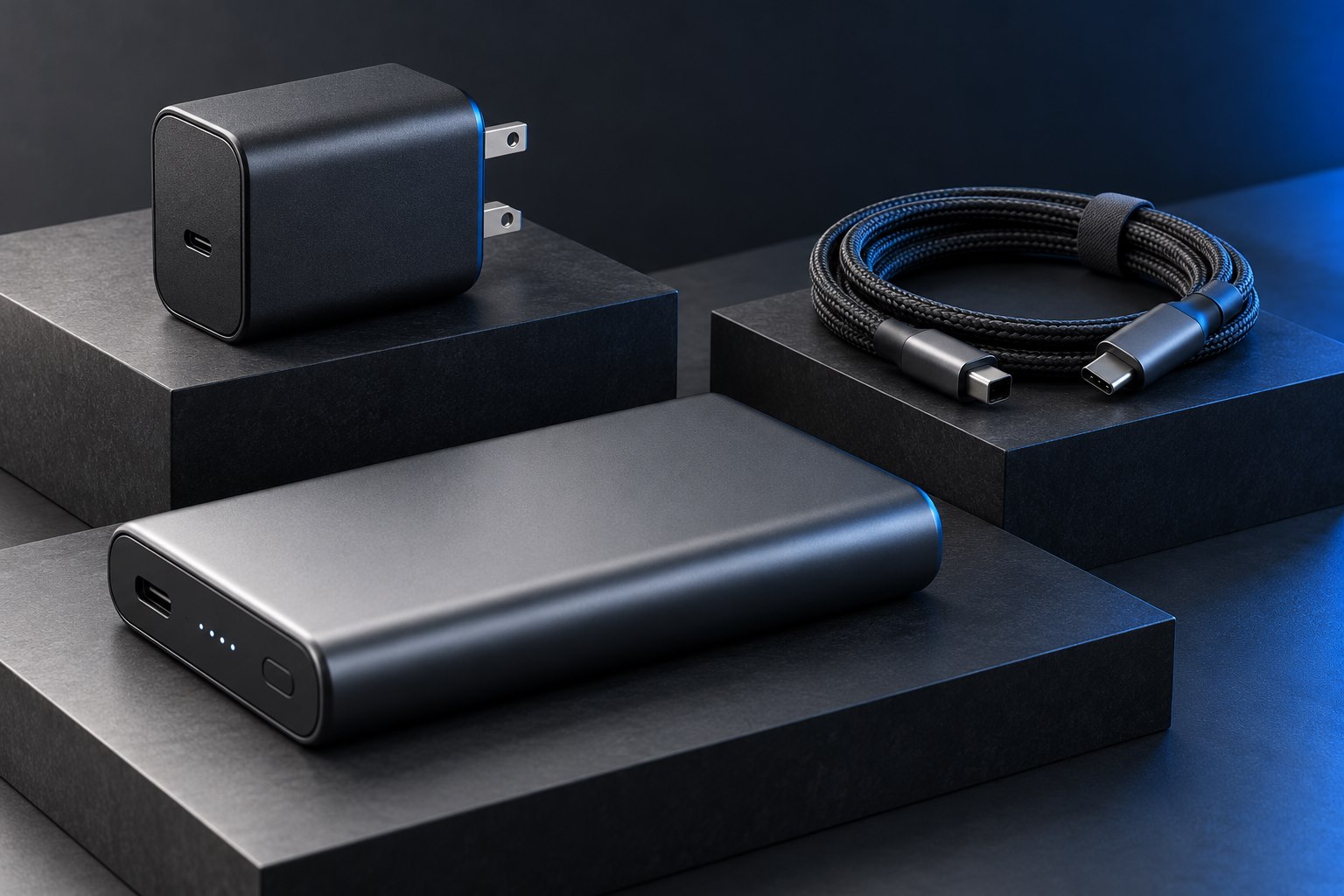
Read the input rating, charging profile, and required wall adapter before choosing a bank for repeated daily use.
Compact power electronics can make a charger easier to carry, but size alone does not establish compatibility, comfort, or quality.
Read the charger's mains input label and the destination's outlet requirements before packing a compact travel kit.
Assign clear places, suitable cables, and realistic simultaneous power instead of turning one outlet into a confusing pile.
Compatibility and available power are separate questions, and the laptop's workload determines whether a lower-power source is practical.
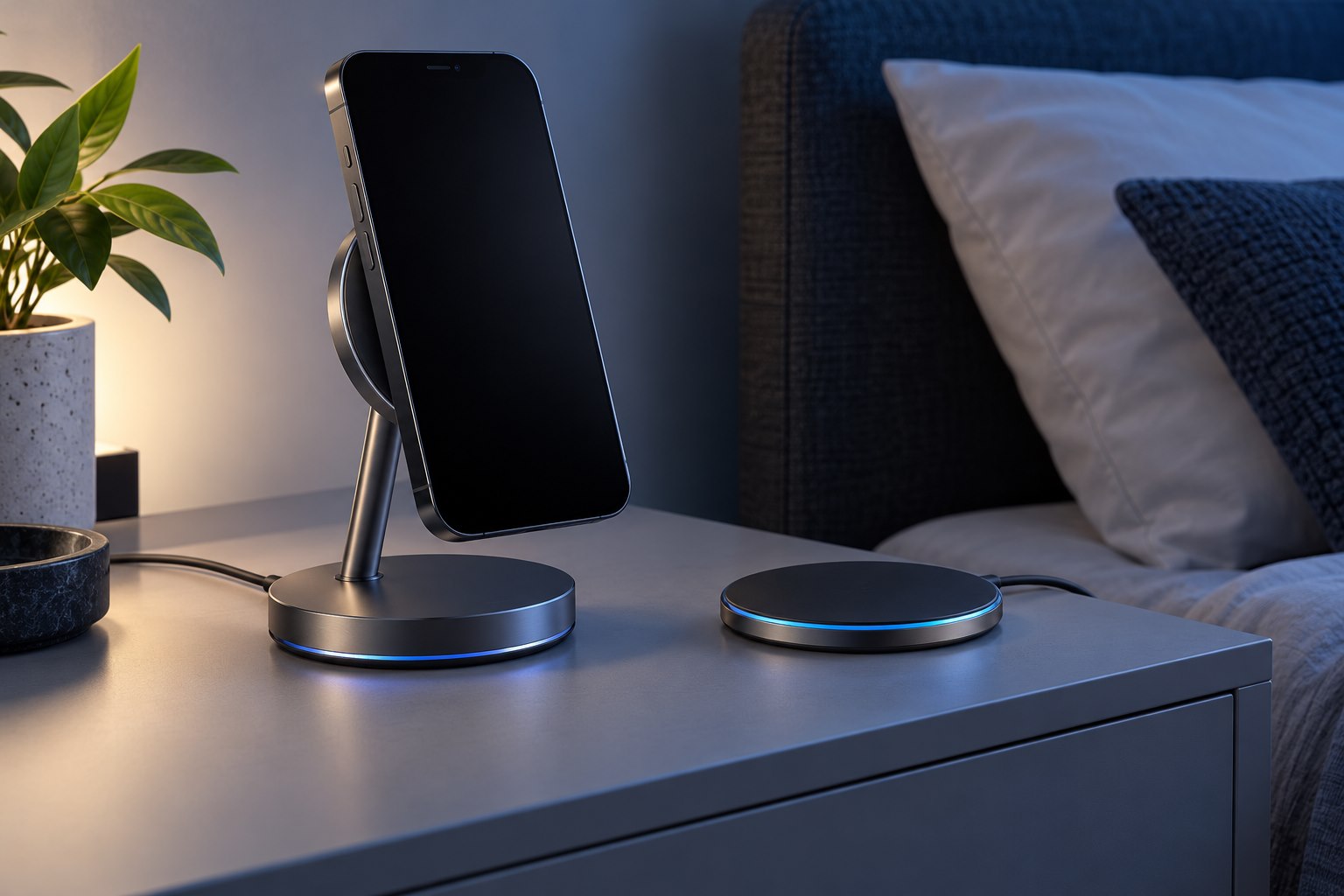
Magnetic attachment is useful, but a magnetic-looking charger is not automatically a certified Qi2 product.
One reduces the usual maximum charge; the other changes when charging finishes. Pick the behavior that fits your day.
Stable placement, compatible watch charging, and unobtrusive indicators often matter more than a large total-power claim.
The vehicle socket, charger input, phone protocol, and cable route all matter when a phone works while it charges.
A large battery is useful only if it can deliver a charging mode the laptop accepts at a practical rate.
The capacity printed in milliamp-hours needs a voltage context, and it is not the same as energy delivered to a phone battery.
A case, camera bump, or attached accessory can interrupt an otherwise compatible charging setup.
A backup battery can cover a genuine energy gap, but usage history may reveal a setting or workload that changed first.
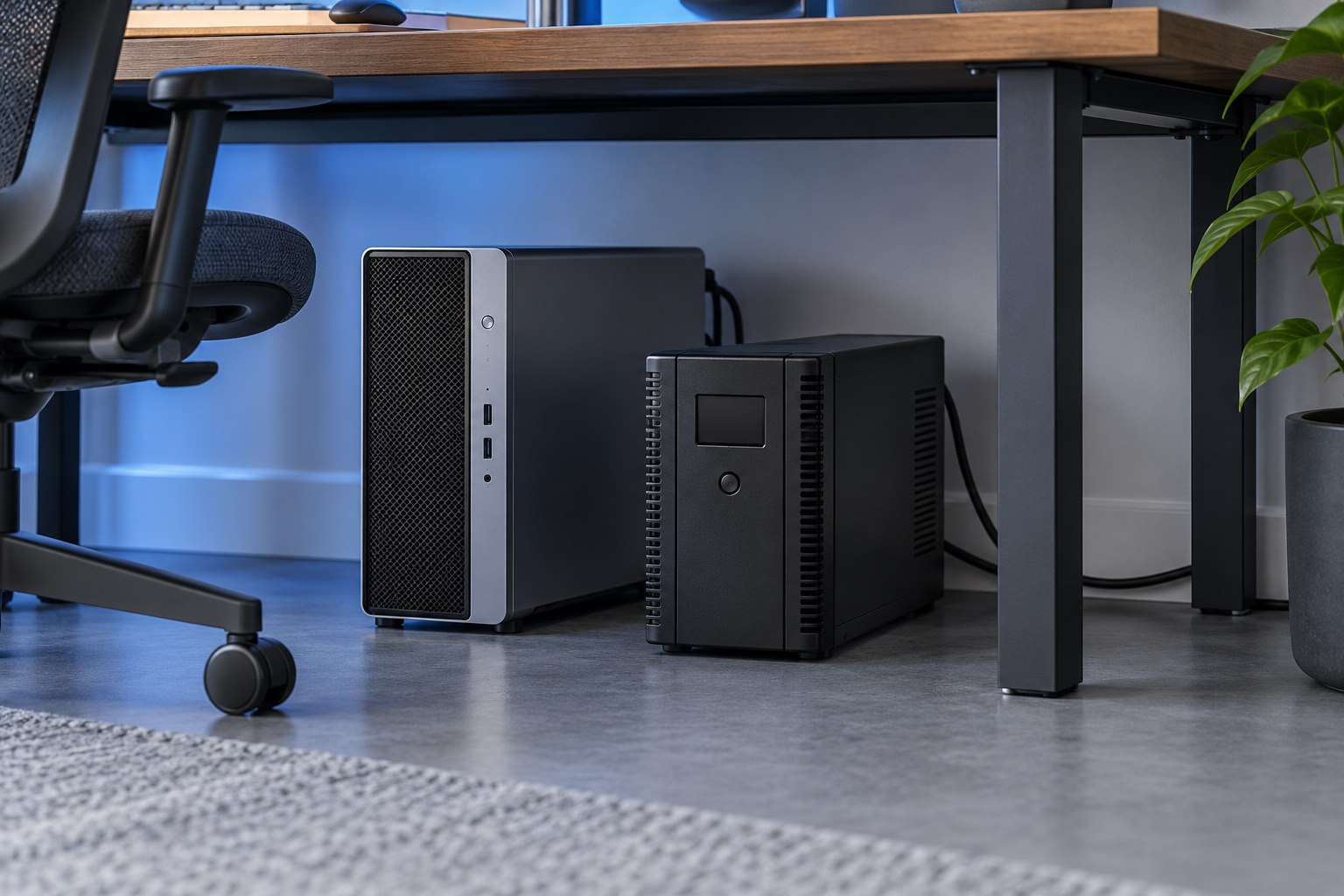
A UPS is maintained equipment. Its battery condition, connected load, and software settings need occasional attention.
A powered router is only one link. Identify the modem, fiber terminal, switches, and access points needed for the connection you use.
Charging a device while refilling the bank is different from guaranteeing uninterrupted power when the wall supply disappears.
More outlets, surge protection, and battery backup are separate functions that can appear in similar-looking products.
A powered-off device still needs an appropriate charge level, a suitable location, and an occasional check.
The best port combination for a laptop and phone may differ from the combination used for two laptops.
The usable charging result depends on the output profiles shared by the charger, cable, and device.
A surge protector can have separate indicators for power, protection, and grounding. Their meanings belong to the exact model.
A UPS needs enough output capacity to support the equipment and enough battery runtime to finish the intended response to an outage.
Voltage and current readings help compare a charging setup, but they do not directly measure battery health or prove product safety.
Read the temperature message, reduce the workload, and let the device return to normal conditions before blaming the charger.
Reduced runtime, physical damage, and a recall notice are different signals—and they deserve different responses.
PPS support, cable requirements, and the phone's own charging conditions can matter more than the charger's largest printed number.
Earbuds, watches, and other low-demand devices can need a supported low-current mode rather than a larger battery.
Microphone coverage and two-way conversation matter more than music playback volume.
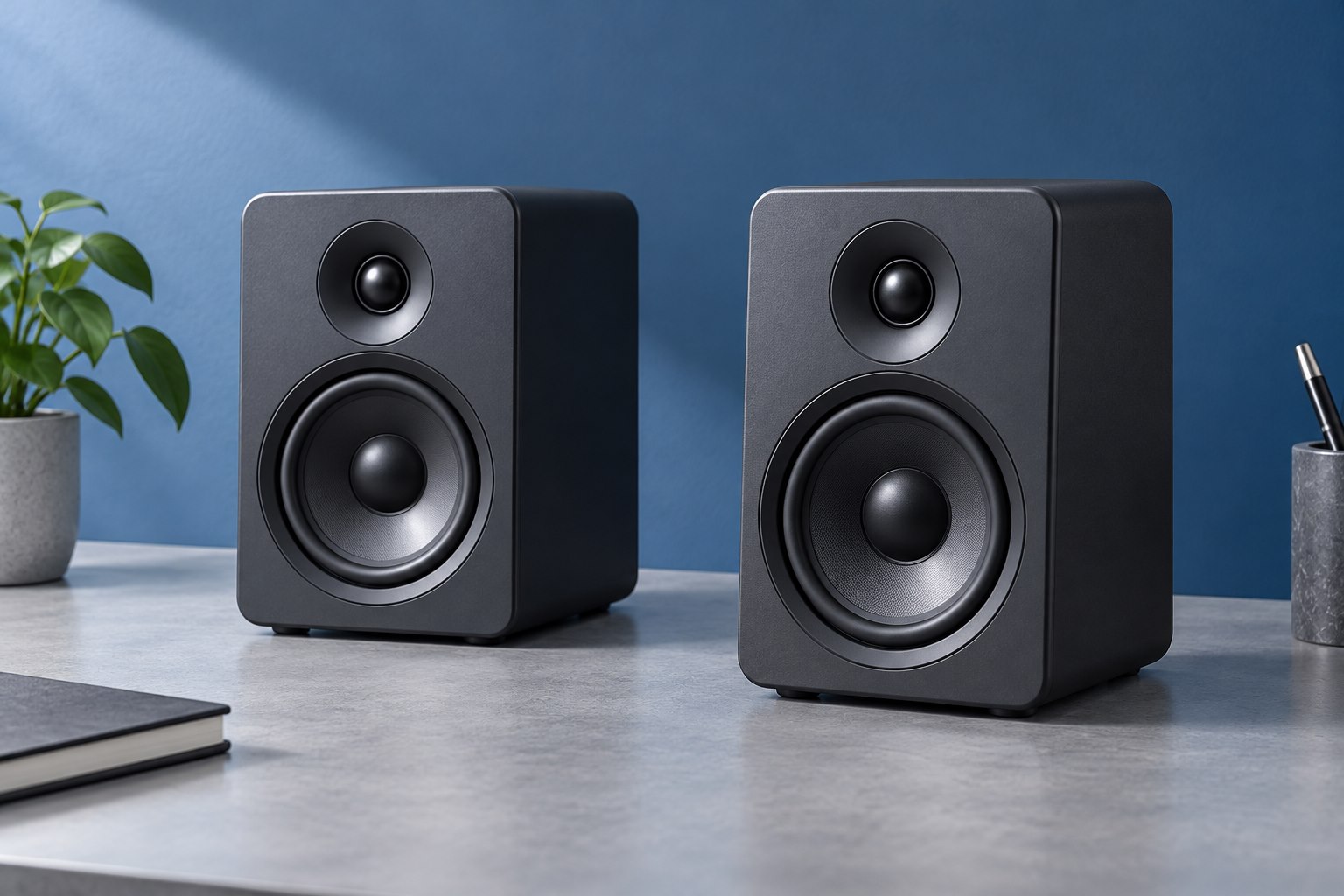
Carry size, controls, placement, and charging behavior can matter more than a dramatic bass demo.
Match latency, chat controls, and platform support to the games you actually play.
Check the whole suspended weight, desk attachment, travel, and cable path.
Count microphone preamps and input types, not just the large number on the box.
Check the seal at the temples, the shape around the ears, and how pressure changes over time.
A useful stand supports the speaker securely and puts its sound where you sit.
Separate the live input path from software monitoring and choose the blend you need.
Impedance is a clue, but sensitivity, the source, and usable volume complete the picture.
Compare sensitivity, gain needs, pickup pattern, and working distance as a complete setup.
A repeatable fit improves bass, isolation, and stability before any equalizer setting does.
Match the headset plug, the computer jack, and the adapter direction before troubleshooting software.
Pairing memory, active connections, and source switching are three different things.
Distance and direction can improve speech clarity without changing the microphone.
The room, the microphone, and the people nearby matter as much as the headphone tuning.
Symmetry, listening height, and nearby surfaces shape what reaches your chair.
Breath bursts, outdoor wind, and desk vibration need different solutions.
Verify the attachment and wiring before treating an accessory as interchangeable.
Leave room for emphasis, distinguish input gain from headphone volume, and check the recorded result.
A wider presentation, a supported surround mix, and head tracking are related but distinct features.
Count the people, inputs, controls, and future changes before choosing the connection.
Make small changes to a known problem and keep an easy route back to the original sound.
Separate a physical seal from electronic cancellation, and judge each against the noise around you.
A single enclosure can simplify a small desk, provided connections and placement fit.
Playback and microphone use share a connection whose capabilities depend on the whole system.
A monitor input change does not automatically move the keyboard and mouse with it.
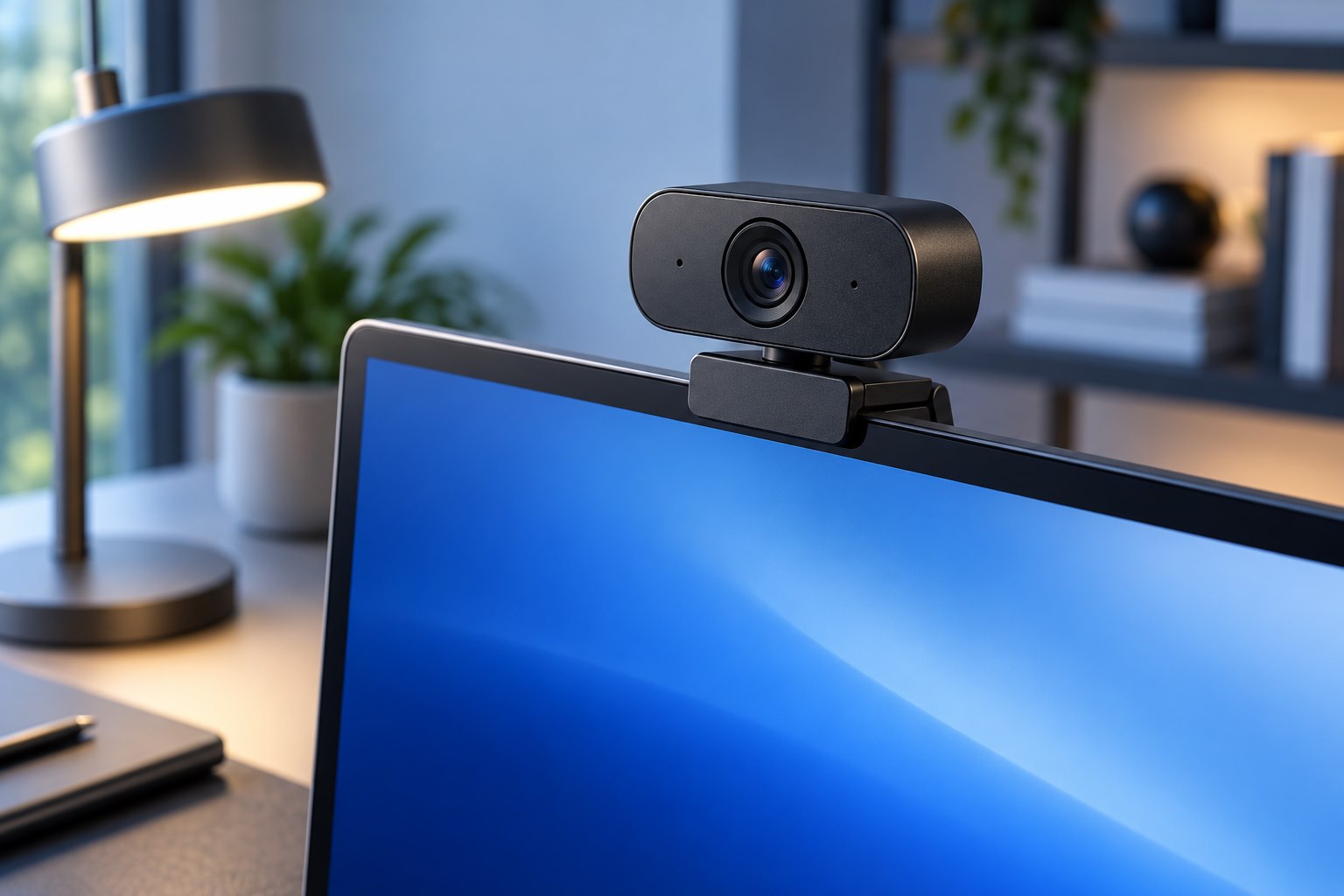
Move the lens, simplify the background, and check the frame from the caller's view.
Choose height, stability, ventilation, and external controls together.
Keep compact typing space while making numeric work deliberate and easy to check.
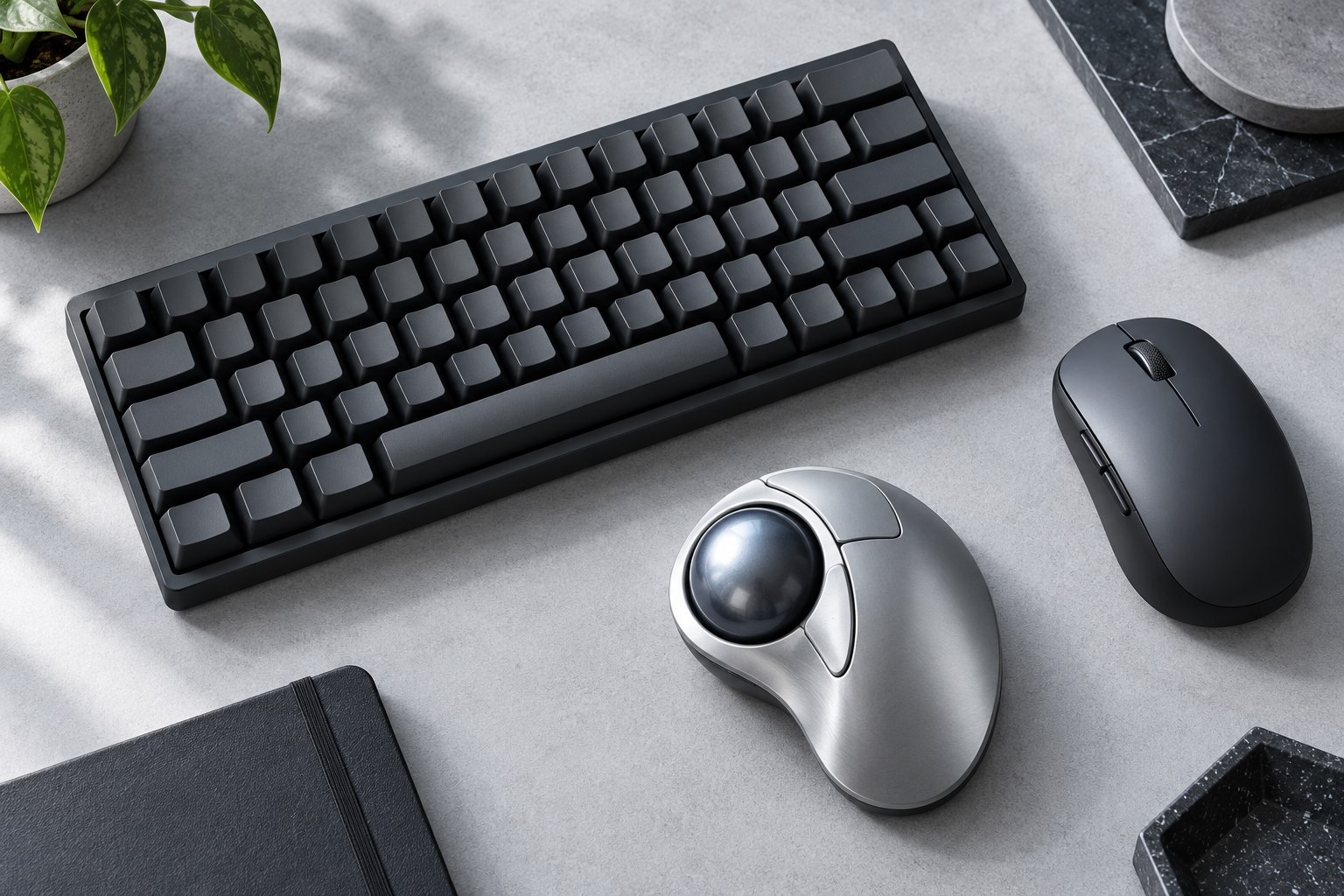
Choose the control style, button layout, and cleaning routine before making the switch.
Check pairing slots, receiver support, wake behavior, and what happens when power runs low.
Size, glide, edges, and cleaning matter more than a decorative desk photograph.
Connection, app support, and familiar controls matter when the screen is no longer within reach.
Resolution is only one part of a useful image; lighting, focus, and app limits matter too.
Linear, tactile, and clicky describe a starting point, not the entire typing experience.
Enter shape, language legends, and modifier positions affect daily typing more than a product photograph reveals.
Desk width is useful only when the missing keys do not slow the work.
Button reach, grip, weight, and desk space are more useful starting points than maximum DPI.
Travel, front-edge height, keycap shape, and replacement compatibility all change the experience.
Reflections, lighting direction, and surface treatment shape the everyday image.
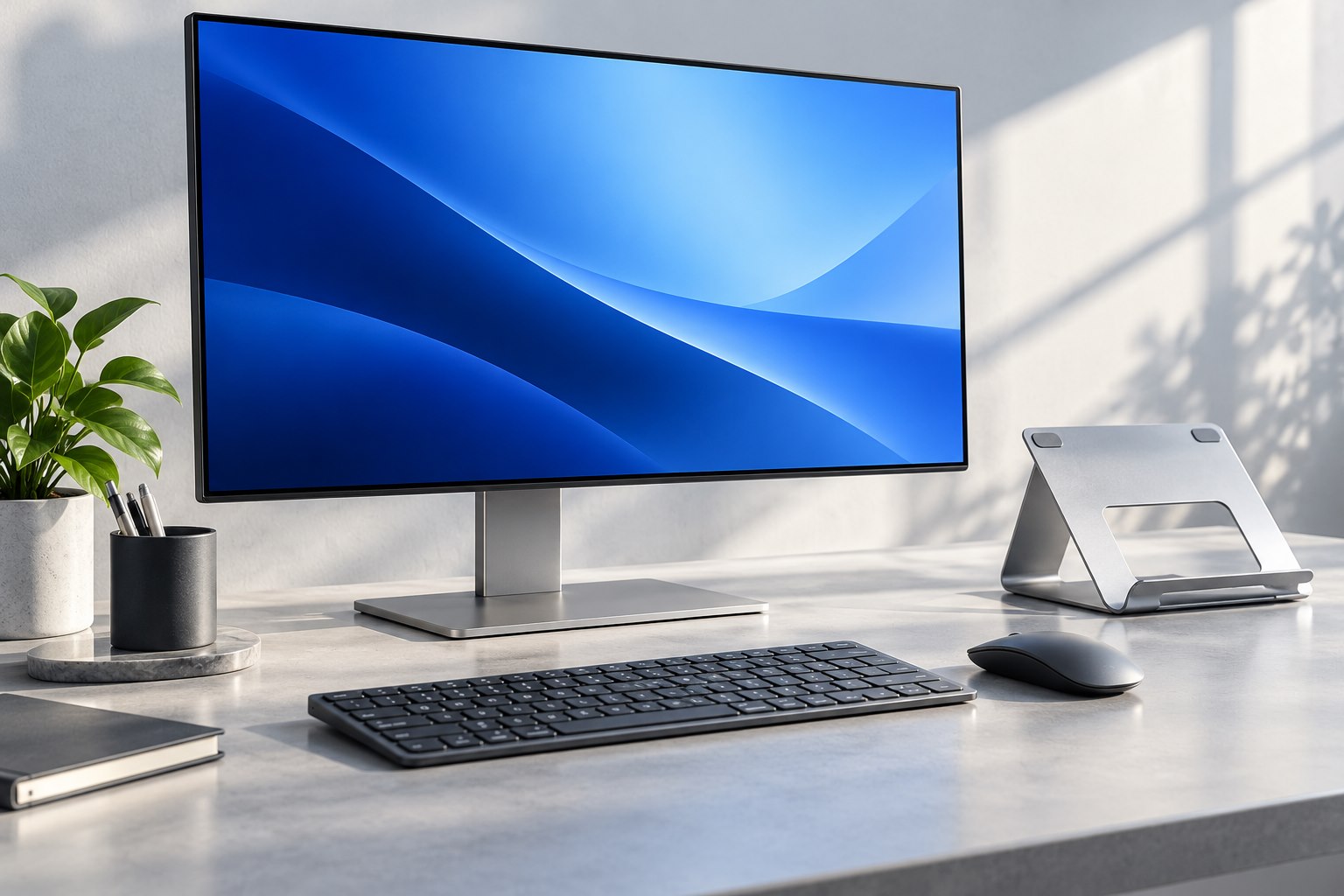
Choose readable workspace rather than simply buying the largest pixel count.
Check weight, depth, mount pattern, desk construction, and travel before ordering.
Sensitivity changes pointer travel; polling changes how often movement reports arrive.
Start with one repeated task, distinguish hardware memory from software rules, and keep recovery simple.
Separate the halves gradually, preserve familiar keys, and leave a clear route back.
Window habits, screen sharing, mixed devices, and desk geometry decide the useful layout.
Check supported orientation, physical clearance, and application behavior before rotating.
A changed grip still needs the right size, button reach, and pointer settings.
Smoother motion is useful, but only if the chosen connection and settings deliver it.
Mount fit, camera selection, edge quality, and a clear purpose matter more than a bundle of lens names.
Camera clearance, side controls, hand feel, and pocket fit deserve as much attention as the material.
Check game support, case clearance, grip comfort, and the way the controller travels.
Viewing angle, portrait use, brightness, and fingerprint recognition need to be checked together.
Reach, joint tension, furniture thickness, and the fitted tablet decide whether an arm is practical.
Ring strength, sound openings, battery access, and luggage placement shape a reliable attachment.
Protocol, model support, pressure features, and app behavior determine whether a pen is useful.
Think about reading weight, bag pressure, closure behavior, and the exact device generation.
Stable alignment and even light make a bigger difference than buying an elaborate document rig.
Seal condition, a realistic use case, and a dry test matter more than an underwater product photograph.
A secure mount still needs a clear view, accessible controls, and a sensible temperature environment.
Small changes at either end of the pen can alter pressure, visibility, and how the pen stores.
Phone compatibility, nearby finding, sharing, and battery design come before the shape of the tag.
Match the phone, movement, and app features before adding a motorized stabilizer to your bag.
A secure clamp, a suitable thread, and room for the camera are the foundations of a compact filming setup.
Choose for touch response, edge shape, and replacement habits rather than hardness claims alone.
Build a small kit that is quick to inspect and does not crush the accessories inside.
Check the tab, case opening, clasp, and carrying length as a complete system.
A small change in grip position affects reach, camera use, pocket bulk, and stand balance.
Protection, writing angle, lap use, and the front camera lead to different case choices.
Base depth, hinge tension, and the way you tap the screen matter more than the headline adjustment range.
Writing friction can be helpful, but display grain and pen feel should be part of the same decision.
Recover a small representative set without overwriting your current files.
Protect the data on a lost drive while keeping a tested way to unlock it yourself.
Three copies are useful only when one incident cannot easily remove all three.
Traceable purchase, capacity verification, and a real device test catch different problems.
Slot type, bus support, simultaneous use, and physical access matter more than the number of openings.
Cross-platform access, backup software, large files, and encryption can pull the choice in different directions.
Dash cams and monitoring cameras need a supported card designed for frequent rewriting.
Availability across devices is useful, but recovery depends on version history, retention, and independent copies.
A fast working drive and an economical backup drive do different jobs, even when both hold the same files.
A warm case, a slowdown, and a disconnect mean different things; diagnose them in context.
Identify the interface, preserve old files, check condition, and avoid giving uncertain hardware the only copy.
Form factor, storage interface, board length, and thermal fit are separate compatibility checks.
Choose by who needs access, how much management you want, and where the backup will live.
Dates, project identifiers, and a clear distinction between originals and exports make storage easier to recover.
A named destination, a verified second copy, and a clear card state make the process repeatable.
Capacity, bus generation, recording class, and application class describe different requirements.
Drive redundancy can preserve availability while a separate backup preserves recoverable history.
Find the active file or process before disconnecting a storage device.
Units explain part of the difference; partitions, formatting, and existing data explain the rest.
Write cache, temperature, file mix, and the source drive can each change a long transfer.
Guest access, IoT names, and device isolation are related features with different effects.
Count usable connections, check link speeds, and give a simple switch a simple topology.
Cable length, installation quality, and the ports at each end determine what a cable can do.
Compare wired and wireless paths, local and internet traffic, and throughput versus consistency.
A faster link helps only when the computer, switch, cable, and destination can use it.
Use supported modes deliberately and isolate compatibility problems before changing the whole network.
Distinguish the application standard, radio network, controller, and border-router role before buying accessories.
A better location can solve a coverage problem that a faster specification leaves untouched.
A satellite must reach the main network as well as the devices in the weak room.
Choose which device manages the network before adding another wireless box.
Power, pairing mode, saved hosts, supported functions, and drivers each need their own check.
Hardware revision, regional firmware, saved settings, and uninterrupted power make updates predictable.
Band choice depends on device support, distance, interference, and the task.
Trace the topology, choose the correct ports, and confirm the system is actually using the cable.
Client support, wired ports, regional spectrum, and the actual bottleneck decide the value of an upgrade.
Separate power, local networking, controller reachability, and cloud service before resetting it.
The device pair, obstacles, and nearby equipment matter more than one universal distance claim.
Stop using affected equipment and use the manufacturer's service route.
Separate loose debris, surface marks, and removable parts before choosing a method.
Remove power safely, follow the device guidance, and distinguish a dry surface from a repaired device.
Use the display's own instructions, a clean cloth, and the least moisture needed.
Follow the exact model's guidance for meshes, tips, pads, and charging contacts.
Check the refurbishment process, included parts, battery condition, and support for the exact item.
Use a small test matrix to separate the device, cable, port, and application.
Identify the airflow path, use approved external cleaning, and investigate persistent fan changes.
A receiver, adapter, and spare cable become useful when their purpose is easy to identify.
Remove account ties, restore settings, and include the parts needed to use it.
A replaceable part, service support, and the device's remaining usefulness make a better decision than age alone.
Label the kit, protect the connectors, and follow battery storage guidance for the device.
Use the current official tool, verify the exact model, and preserve the working setup.