Give both speakers a comparable path
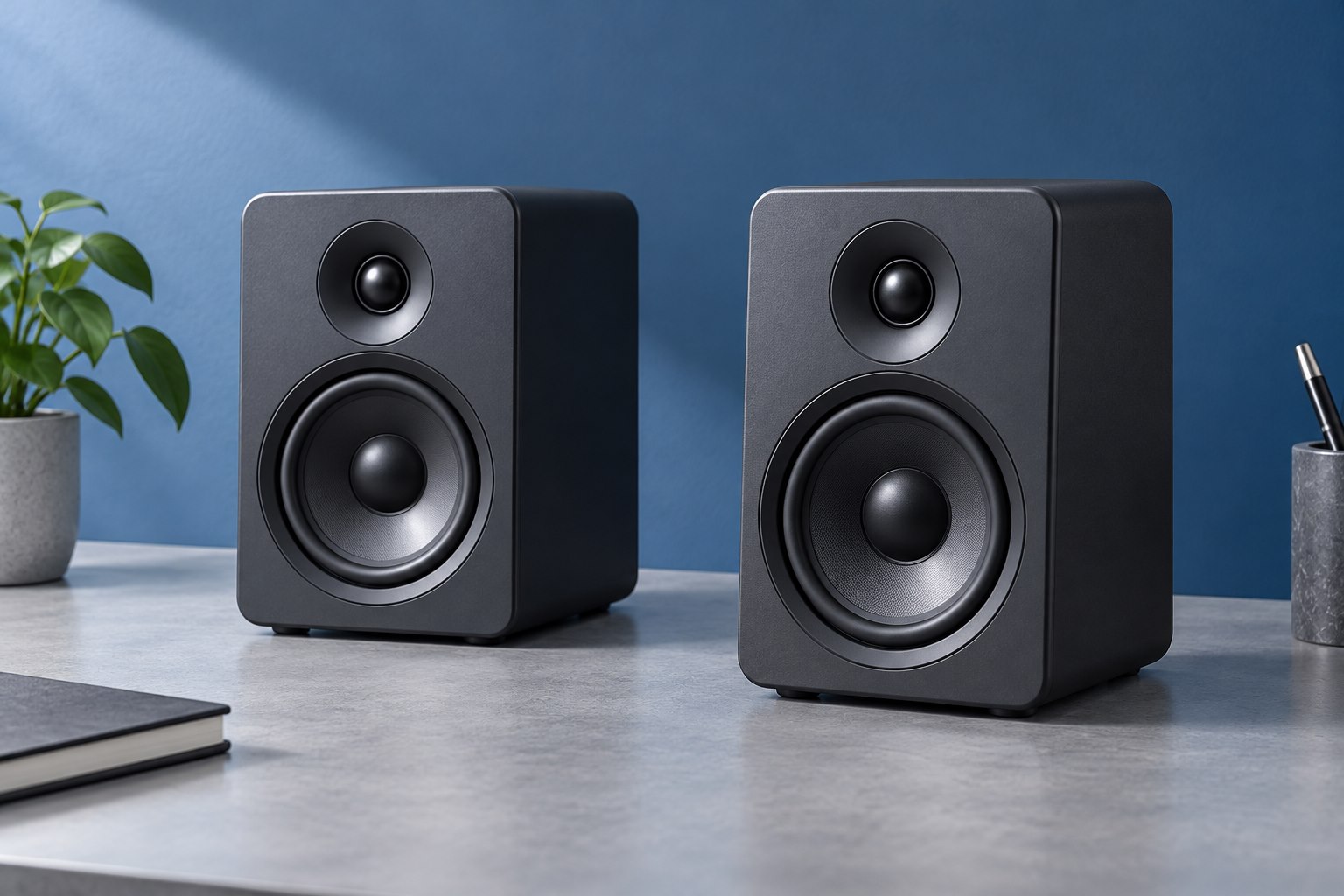
Start with the speakers on either side of the display and at similar distances from your usual listening position. Aim them according to the manufacturer's guidance so you are not listening far off-axis to one side. A desk pushed into a corner may place one speaker next to a wall and the other beside open space, producing an uneven result. Move small objects that block the front of either speaker. The goal is not a perfect studio geometry at any cost; it is a sensible, repeatable starting position from which you can hear what each adjustment changes.
Raise or tilt with a purpose
If the speakers sit low on a desk, their main output may pass below your ears. A stable stand or suitable tilt can bring the intended listening axis closer to ear height. Check the speaker's orientation guidance, especially for models whose driver arrangement is intended to remain vertical. Do not balance a speaker on loose books or an undersized object that can slide. Measure the available height under shelves and the clearance around the monitor before buying stands. The extra height should improve the listening path without making the desk unstable or hiding useful parts of the display.
When using a laptop as the main display, the screen can sit between the speakers without filling the whole space. Avoid placing the speakers so close together that they become one crowded cluster merely to keep them beside the laptop. If the desk allows it, give them a reasonable separation and keep the listening position centered. The manufacturer's placement guidance remains the starting reference for the particular design.
Treat walls and the desk as part of the setup
Nearby surfaces affect bass and reflections. Moving a speaker closer to a wall can change the low-frequency balance, and the desk can reflect sound toward the listener. Try modest position changes while keeping the listening level constant. If the speaker offers boundary or room controls, begin with the manual's suggested baseline and adjust one control at a time. A bass reduction may make speech and individual notes clearer than simply turning up treble. Isolation pads can help with vibration transfer in some arrangements, but they do not eliminate the room's acoustic behavior or replace stable placement.
Use familiar material and a simple test
Play centered speech, then music with distinct bass notes and a clear stereo image. A centered voice should appear between the speakers when you sit in the intended position. If it pulls to one side, check balance settings, distance, obstructions, and cable connections before assuming a defective driver. Listen quietly as well as at your normal level. A desk system should remain understandable during low-volume work. Compare each position for a few minutes and note the change in plain terms, such as clearer voice or less boomy bass. Avoid changing speaker position, equalization, and volume simultaneously.
If bass sounds strong on one note and weak on another, try small speaker and chair position changes before adding a large equalizer boost. Room interactions can vary with position, and a boost chosen to fix one listening spot may make another region excessive. Keep notes of the location rather than assuming an inexpensive accessory can remove every acoustic variation. A clear voice and distinct notes at ordinary volume are practical goals for a desk system.
Make controls and cables easy to live with
Leave access to the volume knob and power control. Route cables so moving a monitor arm does not pull on speaker inputs. If the speakers use separate power supplies or an inter-speaker cable, allow for those connections before committing to a narrow shelf. Keep ventilation openings unobstructed and follow the manufacturer's spacing guidance. A speaker pair that looks beautifully symmetrical but requires reaching behind a hot monitor for every adjustment is not a finished setup. Once the sound and operation work, mark the stand positions lightly so cleaning the desk does not erase the arrangement you carefully established.
When one side sits near a wall
If the desk cannot move, try shifting the speaker pair slightly within the available space and compare the center image again. Keep the two listening distances as similar as practical. A modest asymmetric room adjustment can be useful, but document it so later changes are deliberate.
Sources & further detail
These references support the technical context. Examples and selection advice are editorial explanations; verify the documentation for your exact equipment and software.
A detail we should revisit? Send the guide URL and the relevant documentation to SmithKent5791@outlook.com.
Read the editorial policy