Start with the people and devices
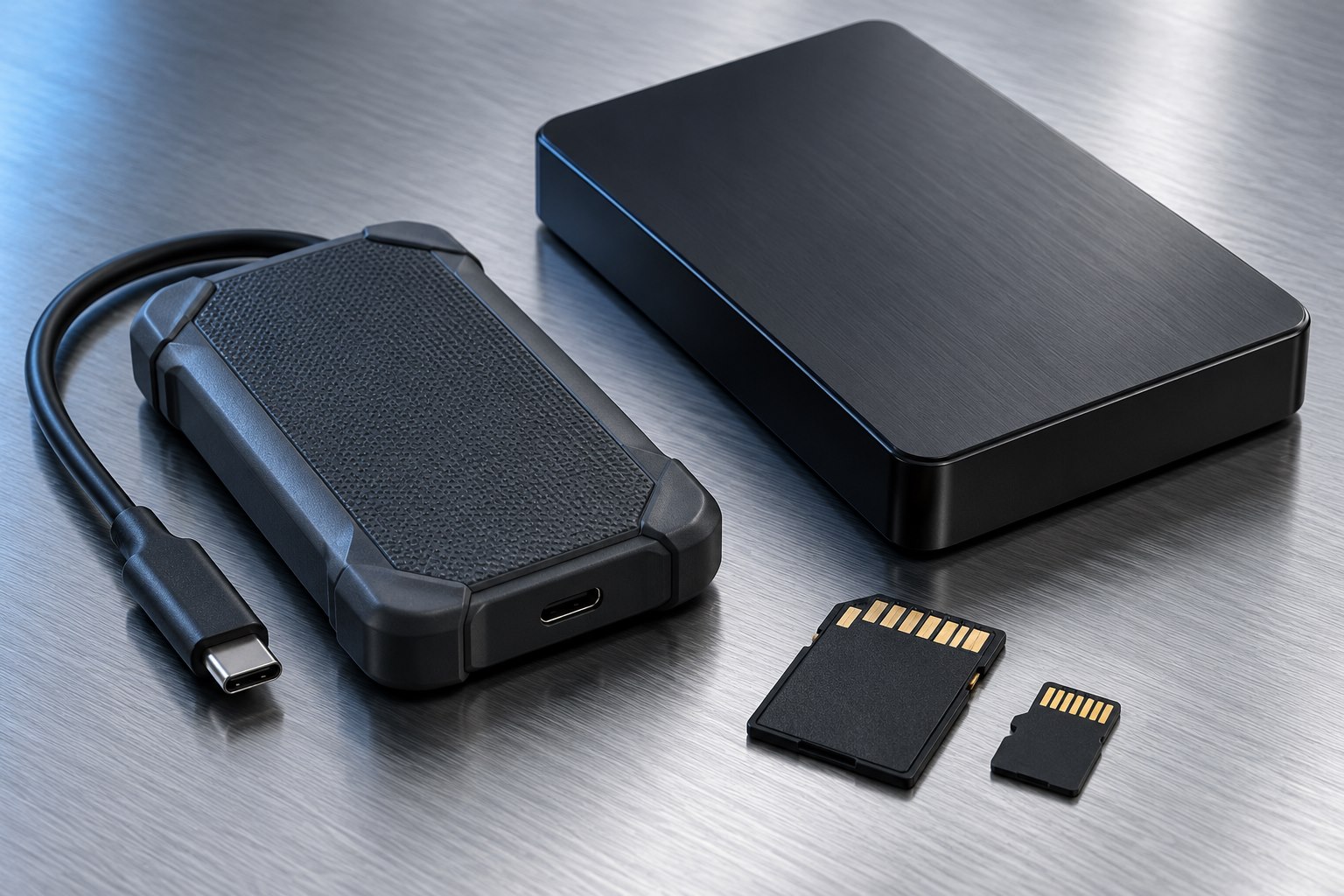
A directly attached drive is simple: it connects to one computer or supported device, and that device accesses its files. Network-attached storage, or NAS, places storage on the network so multiple authorized devices can use it. The difference is most useful when several people or computers need a common collection.
Synology's NAS overview describes shared access, backup, and media-management roles. Those capabilities can be valuable, but they also make a NAS a small managed system rather than merely a larger external drive. It needs accounts, updates, storage planning, and a backup of its own important data.
List the devices that need access and whether they need it at the same time. If only one laptop uses a project drive, a NAS may add complexity without solving a current problem.
Local speed depends on the network
A NAS transfer travels through the client connection, network equipment, and the NAS's own storage. A fast internal drive does not guarantee a fast wireless copy from a laptop several rooms away. Consider the actual path you will use, not only the NAS processor or drive-bay count.
For large shared projects, a wired connection can make performance more predictable. For casual document access, ordinary wireless use may be entirely adequate. The useful test is the size and frequency of the transfer: opening a small spreadsheet is different from moving a large video library.
A direct-attached SSD can be attractive when one computer needs high local throughput and portability. A NAS can be attractive when avoiding repeated physical drive handoffs is the bigger benefit.
Accounts and permissions become part of storage
Create separate accounts for different users rather than sharing a single administrator login. Give each person access only to the folders they need. A shared family photo folder and a private work archive can coexist, but only if the permissions are intentionally configured.
Remote access deserves a separate decision. Being on the home network and being reachable from outside it are different conditions. Use the manufacturer's supported secure access method if remote access is required, and keep the system updated. Do not expose management interfaces casually just because a setup guide makes it possible.
Keep account-recovery information somewhere accessible if the NAS is unavailable. A password manager stored only on the NAS can create an awkward dependency during a failure.
Capacity and redundancy need planning
A multi-bay NAS can support different storage arrangements, and some provide tolerance for a drive failure. Usable capacity depends on the arrangement and drive sizes. Read the vendor's calculator and documentation before filling every bay based on the sum of the labels.
Redundancy is not a substitute for backup. Accidental deletion, malware, theft, or a system-wide failure can affect the entire NAS. Plan another recoverable copy of important data, ideally with some separation from the same physical location.
Expansion is not always as simple as inserting any larger drive later. Check supported migration paths, drive compatibility, and the time required to rebuild or expand storage. A plan that is clear now can prevent an expensive reconfiguration later.
Budget for operation, not only the box
A NAS may run for long periods, so consider noise, ventilation, power use, and where it will sit. A bedroom shelf may be an inconvenient place for spinning drives and cooling fans. Keep it somewhere accessible enough for maintenance and protected from spills or accidental unplugging.
Updates and alerts need an owner. Decide who will read storage-health notifications, replace a failed drive, and check backups. A household system can fail quietly if everyone assumes someone else manages it.
For a modest need, a shared folder on an existing computer or a cloud service may also be worth comparing. The best answer is the arrangement that makes files accessible and recoverable with a maintenance burden you will actually sustain.
Run a small pilot
Before moving the only copy of a collection, create a test share, copy representative files, and access them from each intended device. Test permissions with an ordinary user account, not only the administrator. Measure a realistic transfer and run a restore from the proposed backup.
Keep the original collection until those checks pass. Then migrate in clearly labeled stages and verify each one.
A NAS earns its place when shared access and centralized management solve recurring friction. A direct-attached drive remains a strong choice when simple local storage is the main job. The decision is about access patterns and responsibility as much as capacity.
Sources & further detail
These references support the technical context. Examples and selection advice are editorial explanations; verify the documentation for your exact equipment and software.
A detail we should revisit? Send the guide URL and the relevant documentation to SmithKent5791@outlook.com.
Read the editorial policy