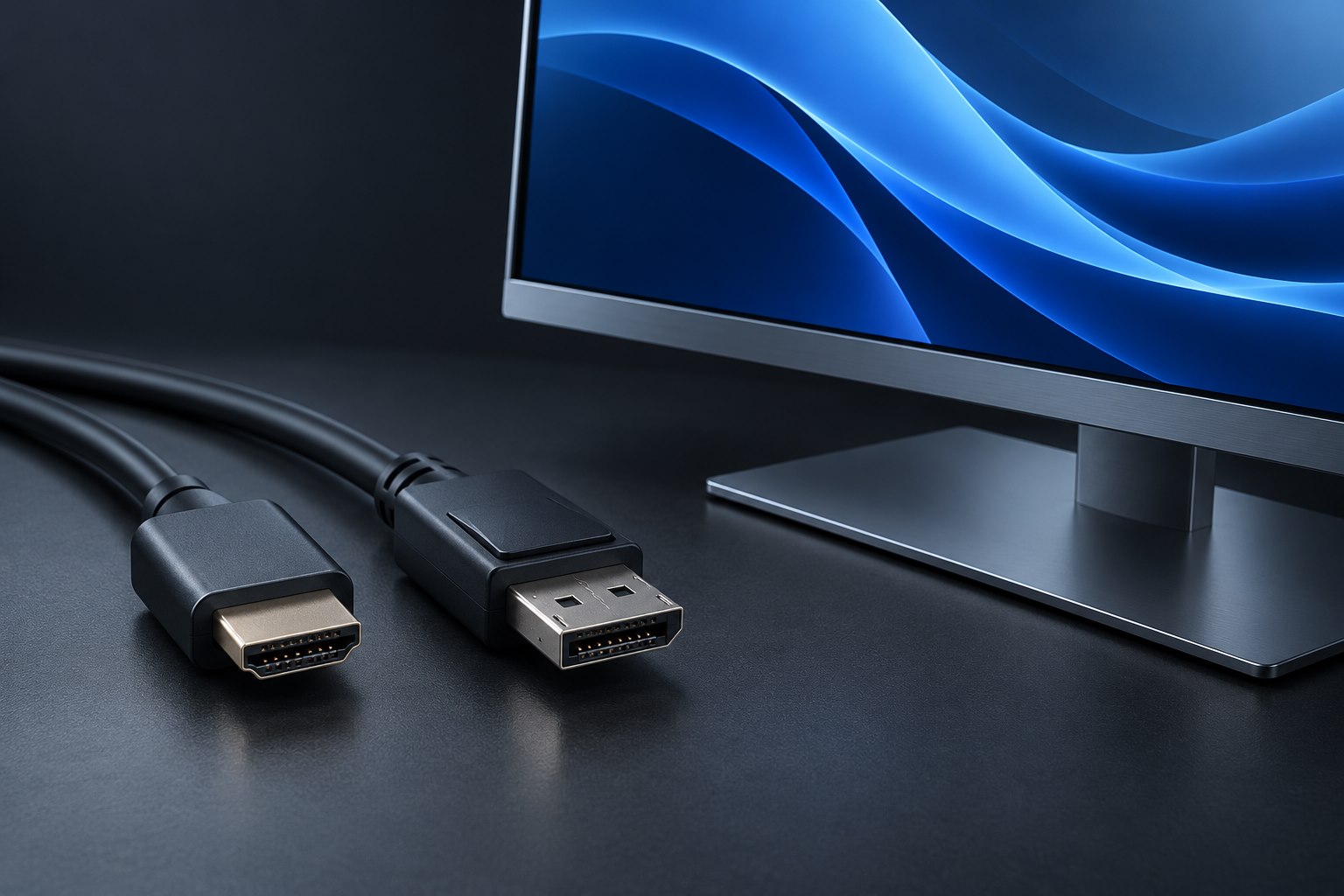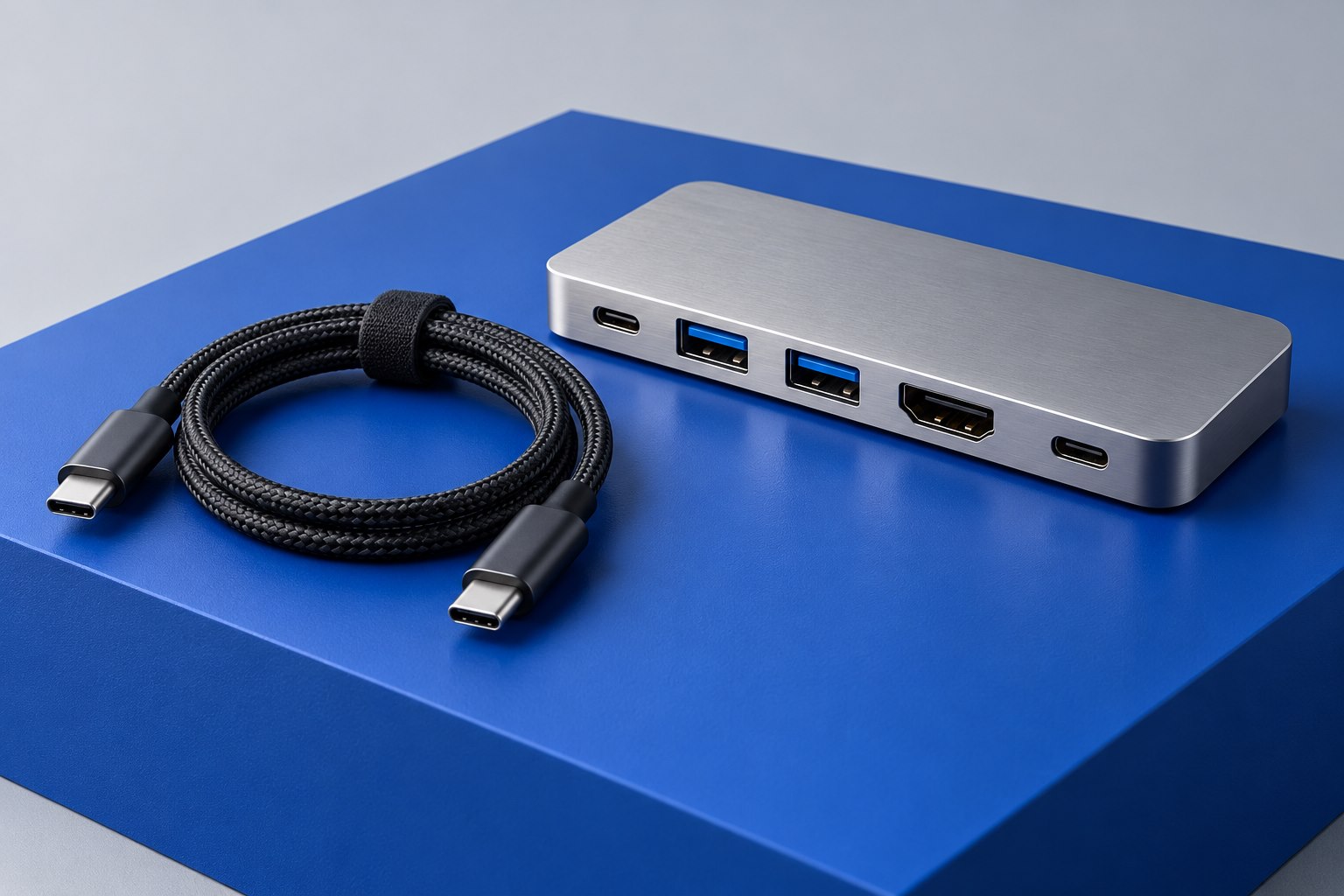
Identify which ports can continue the chain
A device chain needs a path onward from each intermediate device. A product with one host connection and no suitable downstream Thunderbolt port generally belongs at the end of that path. Extra USB-C sockets may serve ordinary USB peripherals rather than continuing a Thunderbolt chain. Read the port roles in the manual and draw each connection explicitly before deciding that a collection of matching sockets can be linked in any order.
Newer hubs can offer several downstream connections, while older arrangements often follow a line from one dual-port device to the next. The supported topology depends on the products involved. CalDigit's hub guidance provides specific chaining examples, but those examples should be applied to the listed hardware rather than treated as a guarantee for every dock and host combination.
Keep the busiest devices close to a suitable host path
Devices sharing an upstream connection also share its available transport resources. A demanding external device and multiple displays can create a different workload from either alone. The chain's useful performance therefore cannot be calculated by adding the headline speeds printed on every enclosure. Determine which activities must happen at the same time and consult the dock or hub's allocation guidance.
For example, a workstation that frequently transfers large files while driving demanding screens may benefit from distributing equipment across supported host ports instead of placing everything behind one chain. This is not a universal claim that chaining is slow. It is a way to reserve capacity deliberately when the workload is known. Check whether the host ports themselves share resources before assuming that two physical sockets provide entirely independent paths.
Place displays according to documented support
A display adapter can terminate a chain rather than provide a path onward. A Thunderbolt monitor with a downstream port may behave differently. The computer's native display limit still applies, and the supported resolutions depend on the complete arrangement. Use the manufacturer's monitor-configuration table for the host and dock, especially when mixing display types or adapter conversions.
Do not insert an ordinary USB hub into the middle of a Thunderbolt path and expect it to forward every protocol. It can be useful as a downstream USB accessory, but that is a different role. Label the chain connections distinctly from peripheral USB connections so a later cable tidy does not quietly move a device onto a less capable port.
Treat every cable segment as part of the configuration
Each link needs a cable appropriate for its endpoints and required capabilities. Reusing a charge cable between two otherwise compatible devices can break the chain's data function. Check the length and performance rating of replacements and use the supplied cables during initial setup. If a chain works with a short cable but not a longer replacement, investigate that segment before rearranging all the devices.
Support the cables so the weight of one device does not pull on another device's port. A chain can spread equipment neatly across a desk, but it also makes upstream devices dependencies for downstream ones. Keep frequently moved accessories at a sensible endpoint where possible, and avoid unplugging a device that sits in front of storage currently being used.
Document the useful order, not just the inventory
Record the host port, device order, cable models, and display settings once the arrangement works. Test the busiest simultaneous activity, then confirm sleep and wake. If a downstream device disappears, simplify from that point backward until the failing segment is isolated. This method is faster than treating the entire chain as one mysterious connection. A clear diagram also makes future expansion easier: you can see which ports remain available and what resources new equipment will share.
Sources & further detail
These references support the technical context. Examples and selection advice are editorial explanations; verify the documentation for your exact equipment and software.
A detail we should revisit? Send the guide URL and the relevant documentation to SmithKent5791@outlook.com.
Read the editorial policy