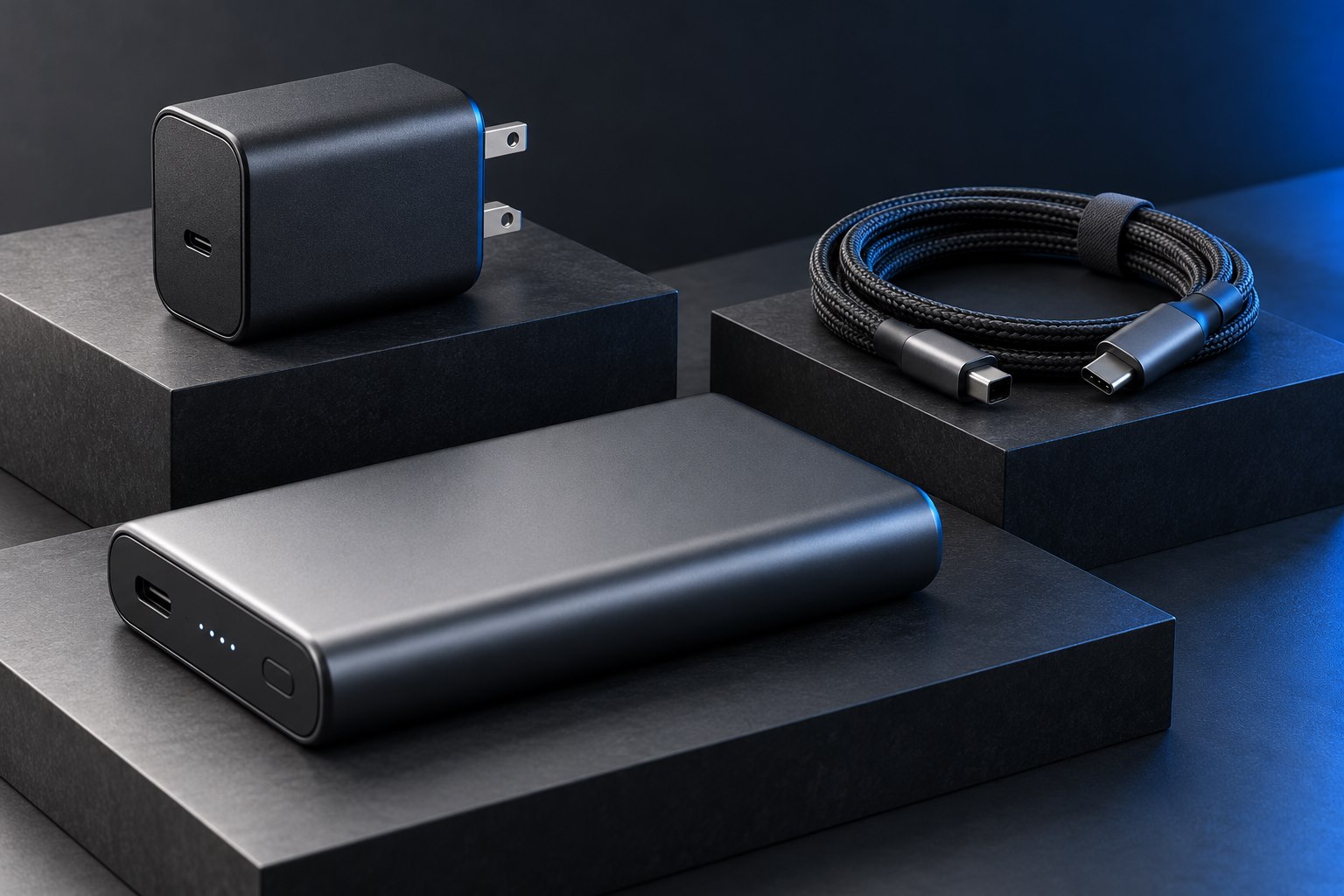
Confirm that the laptop supports this charging path
Begin with the laptop manufacturer's guidance for USB-C charging. Some computers charge through a particular USB-C port; others use a separate power connector or require an approved arrangement for full performance. A USB-C socket that handles data does not automatically accept laptop power. Find the recommended adapter rating and any limitations on third-party supplies before comparing wattages.
For supported USB-C Power Delivery arrangements, a charger's higher maximum output does not mean it forces that maximum into the laptop. The devices establish a supported power connection. Apple explicitly documents using different adapter wattages with compatible USB-C Macs, but other manufacturers' requirements should be checked for their own models. The exact charging protocol and profiles still matter alongside the headline wattage.
A lower rating can produce several different outcomes
A lower-power charger may charge a supported laptop slowly when it is idle, maintain its battery during light work, or allow the battery to decline during heavier work. Some systems may report an inadequate adapter or restrict performance. These outcomes depend on the computer and the available charging profile. The presence of a charging symbol is therefore not a complete answer to whether the adapter meets your needs.
Imagine a laptop used for documents at a café and demanding rendering at home. A compact lower-output adapter might be acceptable for the café routine if the manufacturer supports it, yet unsuitable for the rendering session. This is a workload decision rather than a universal yes or no. Keep the original adapter available until the alternative has been evaluated under the actual conditions.
Include cables, docks, and shared ports
A charger connected through a hub or monitor can deliver less power to the laptop than its own maximum because the intermediate device has a host-output limit or reserves power for itself. A multiport charger can also reduce the laptop allocation when another device is attached. Evaluate the complete route from wall to computer. Replacing only the wall adapter may not change a limit imposed elsewhere.
The cable must support the intended power level too. A cable adequate for a phone can become the limiting component in a laptop setup. Use the supplied or manufacturer-recommended lead for a baseline test, and document the rating of any longer replacement. Do not substitute an unapproved barrel-plug adapter or a passive connector conversion to force an incompatible charging path.
Run a useful comparison
- Start with the battery partly discharged and connect the alternative charger directly through the documented charging port.
- Check the operating system for low-power or unsupported-adapter messages before judging charging speed.
- Use the normal workload for a meaningful interval and observe whether the battery rises, holds, or falls.
- Repeat with the original adapter if you need to separate workload demand from a battery or system issue.
- Add the dock or other shared charger devices only after the direct arrangement has been understood.
Choose an adapter for the role it will fill
A full-time replacement should comfortably support the intended work and charging routine. An emergency spare can be a more modest compromise if its limitations are understood and documented. A travel adapter should be assessed together with its cables, size, and simultaneous-device allocation. Buying the largest wattage available is unnecessary when the computer cannot use it, but buying too little power can create a daily inconvenience that is easy to avoid with a clear workload-based choice.
Sources & further detail
These references support the technical context. Examples and selection advice are editorial explanations; verify the documentation for your exact equipment and software.
A detail we should revisit? Send the guide URL and the relevant documentation to SmithKent5791@outlook.com.
Read the editorial policy