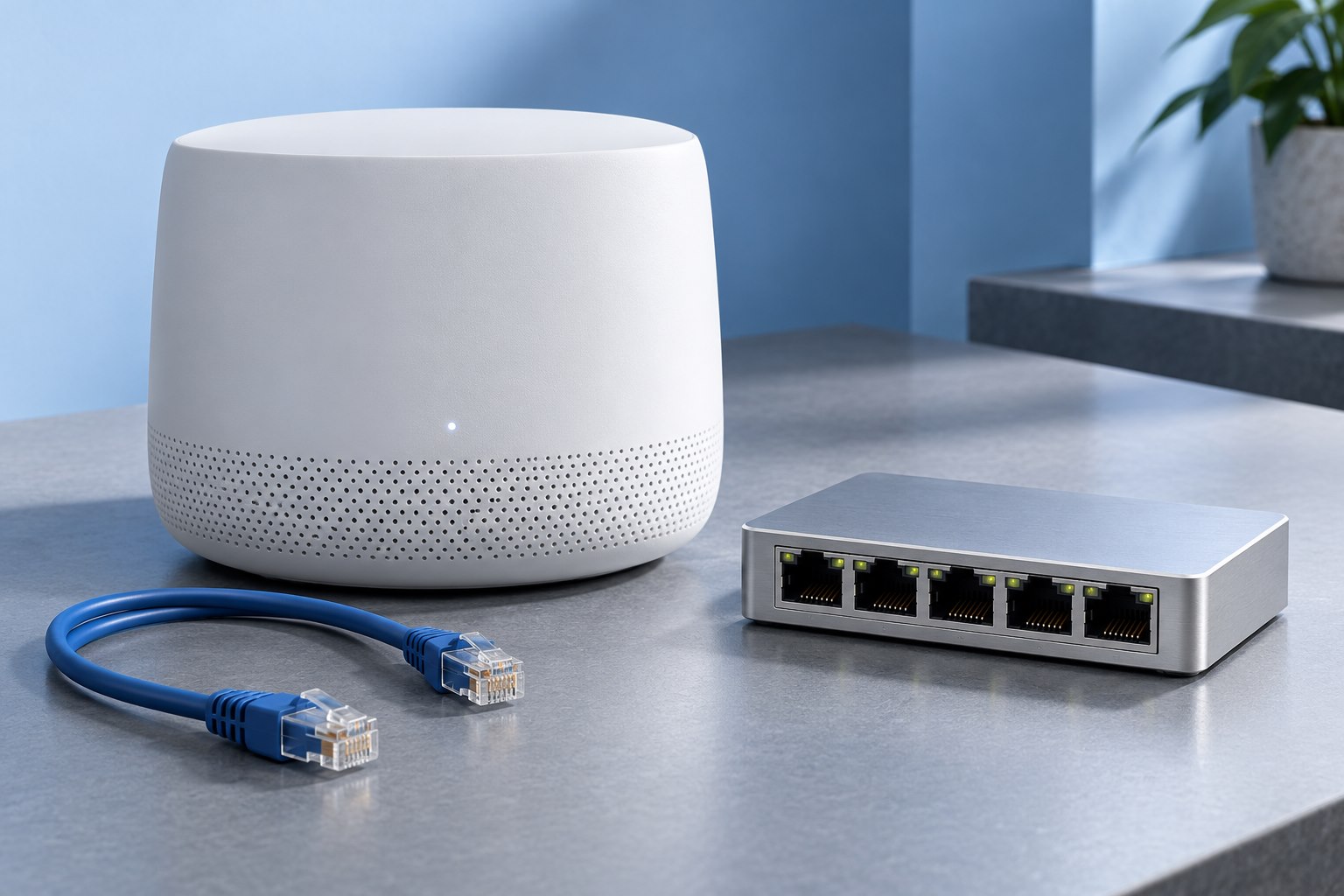
Start with the two ports
An Ethernet cable joins devices that negotiate a supported link rate. A higher-category cable does not turn a one-gigabit port into a ten-gigabit port. Read the specifications of the router, switch, computer, or storage device at both ends before deciding what the cable needs to support.
For an existing link, check the negotiated rate in the device interface where available. If it is lower than expected, inspect the cable and terminations before assuming the entire network needs replacement. A damaged conductor or poor connector can matter more than the category printed on the jacket.
Also distinguish a patch cable on the desk from permanent building cabling. They involve different installation and handling considerations.
Length and the installed channel matter
Ethernet standards and cabling categories specify performance over defined channel lengths and conditions. The complete channel includes patch leads, connectors, and any permanent run. A short loose cable test does not establish that a long wall route with several terminations performs the same way.
Ethernet Alliance guidance for multigigabit links discusses using suitable existing Cat 5e and Cat 6 cabling, while also emphasizing assessment of the installed channel. This is a reason to test existing wiring before replacing it solely because a faster link is desired.
For a new permanent installation, choose a specification appropriate to the planned rate, length, environment, and local building requirements. A qualified installer can help when the route goes through walls or shared spaces.
Avoid solving a cable problem with a label
A marketplace listing can claim a high category while providing little evidence about construction or testing. Buy from a traceable supplier and look for clear specifications. A thick jacket, metallic connector shell, or bright color does not prove electrical performance.
Shielding is also a system choice. It may be useful in certain environments, but it is not automatically better for every short home connection. Appropriate termination and grounding practices matter in shielded installations. Follow the equipment and cabling guidance rather than mixing parts because they look more substantial.
Flat or very thin cables can be convenient for a particular route, but evaluate their stated capability and intended installation. Do not crush any cable under a door or staple through it to make it disappear.
Route for reliability
Use a length that reaches comfortably without a tight pull at either connector. Leave a gentle bend near the port and avoid sharp kinks. Repeated flexing at the same point can damage a cable even when it initially works well.
Keep cables away from moving chair wheels, hinges, and furniture edges. Use suitable clips or ties without cinching them so tightly that the jacket deforms. Follow local rules for separation from electrical wiring in permanent installations.
Label both ends when several similar cables share a space. A simple label such as Office AP is more useful during troubleshooting than trying to remember which blue cable was installed last.
Test before hiding the run
Connect the intended devices and confirm the negotiated rate. Run a representative local transfer if possible, then observe whether the link remains stable. An internet test may be limited by the service plan and therefore may not expose a local cable issue.
For building cabling, basic continuity testing and performance certification answer different questions. A cable can have all conductors connected while failing the performance needed for a faster link. Use testing appropriate to the importance and speed of the installation.
If a link is unstable, substitute a known-good short cable to isolate the problem. Then work through patch leads, wall terminations, and intermediate connections one at a time.
Buy the useful capability
For a short connection between ordinary gigabit devices, a reliable correctly specified cable is more valuable than an extravagant label. For a planned faster network, choose cabling that supports the required channel and gives a reasonable path for future use.
Keep the original packaging or specification for permanent runs in your network notes. That record helps when equipment is upgraded later.
The right cable is the one that supports the intended link consistently in its installed route. Category is part of that decision, alongside length, construction, termination, and the capabilities of the devices it connects.
Sources & further detail
These references support the technical context. Examples and selection advice are editorial explanations; verify the documentation for your exact equipment and software.
A detail we should revisit? Send the guide URL and the relevant documentation to SmithKent5791@outlook.com.
Read the editorial policy