Separate coverage from the connection between nodes
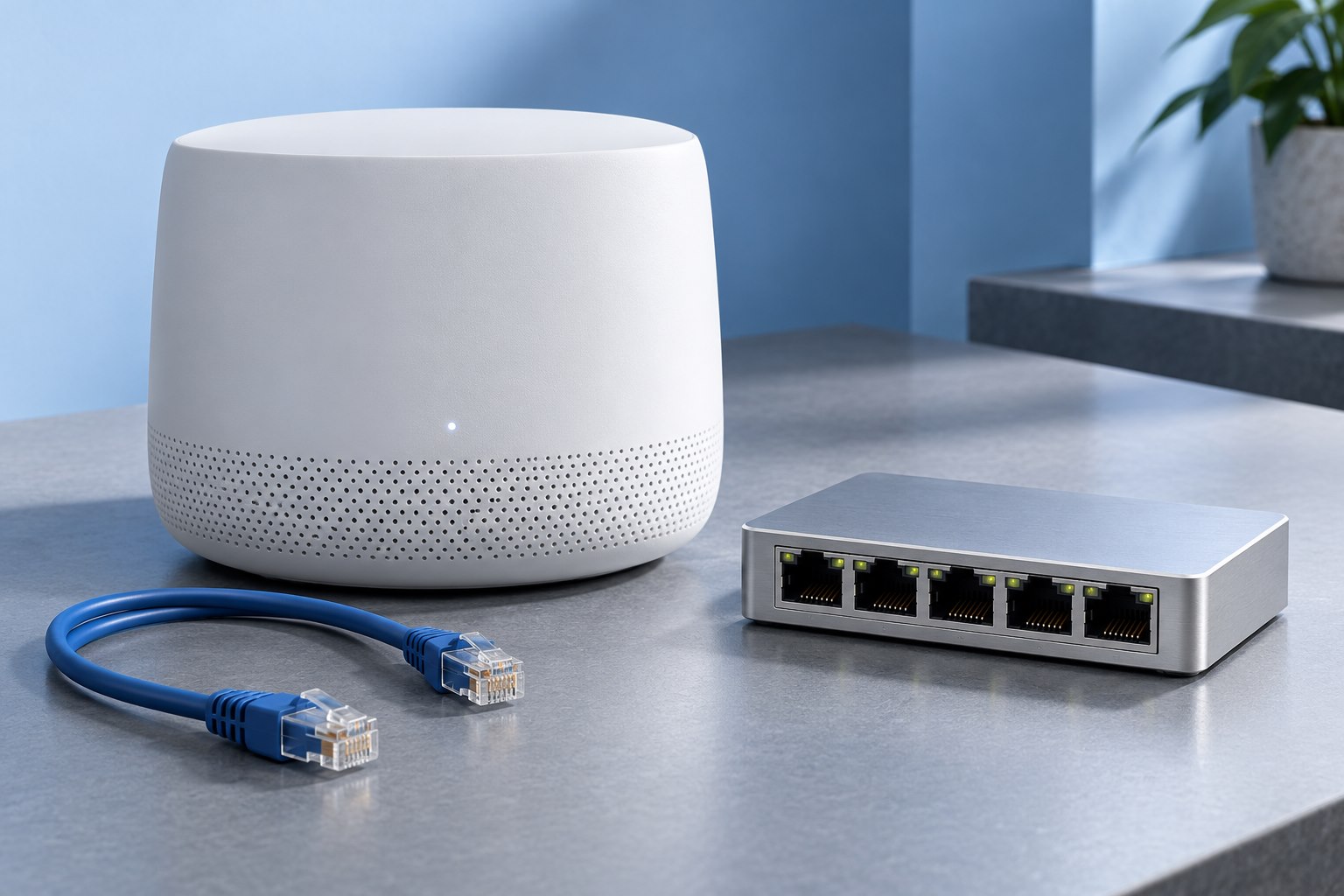
A mesh system can provide Wi-Fi to phones while using Ethernet between its own units. This is wired backhaul. It can be useful when a dense wall or long distance makes the wireless link between nodes less dependable, even though each node can serve nearby devices well.
TP-Link's Deco backhaul documentation describes both supported setup and troubleshooting. The details vary by system, so first verify that your exact models and current firmware support the arrangement. A spare Ethernet port does not by itself prove that it can be used in every topology.
The benefit is a clearer separation of tasks: the cable carries traffic between nodes, while the radios serve local clients. It does not make a slow internet plan faster or remove limitations in the client device.
Draw the network before connecting it
Sketch the modem or optical terminal, main router, switch if present, and each mesh node. Mark which device performs routing and which units act as access points. A mesh system in router mode can require a different cabling arrangement from the same units in access-point mode.
Read the manufacturer's diagram for where a switch belongs. Connecting a satellite on the wrong side of the main routing unit can prevent the expected network from forming. Avoid guessing based on whichever wall jack is nearest.
Use one intended path between points unless the system explicitly supports another arrangement. Extra cables can form loops that disrupt the network. More connections do not automatically mean more resilience.
Commission one link at a time
Set up the units through the supported process, then add the first Ethernet link. Confirm that the satellite remains online and that the app reports wired backhaul. Test a device connected to that satellite before wiring the rest of the home.
If the wall path is uncertain, temporarily connect the two units directly with a known-good cable. A successful direct test helps distinguish a mesh configuration problem from a wall cable, patch panel, or switch problem. Label the successful path before adding complexity.
Check the negotiated port speed where the interface exposes it. A link running at an unexpectedly low rate may indicate a cable or termination problem. The internet speed test alone may not reveal that if the internet plan is slower than either link rate.
A switch can introduce specific requirements
Many systems support a switch between nodes, but the vendor may document restrictions or required behavior. TP-Link's guidance includes cases where switch handling affects Deco backhaul. Follow the current support advice for the exact setup rather than assuming every switch behaves identically.
For a managed switch, existing VLAN or port-isolation settings can change which devices see each other. If you do not need those features, a straightforward supported arrangement is easier to troubleshoot. If you do need them, document the intended configuration and test each segment deliberately.
Do not reset a shared switch without understanding what else depends on it. An issue with one satellite should not become an outage for the whole network through an unrelated configuration change.
Check the client experience
After the wired link is confirmed, repeat the real task in the target room. Test both a local transfer and an internet-dependent task if possible. This helps distinguish backhaul performance from the internet connection or a remote service.
Move the satellite to a location that serves the room well, while keeping the cable safely routed and the unit ventilated. Wired backhaul offers more placement freedom, but the local radio still needs an appropriate position.
Check another room after the move. A node that now covers a distant office may no longer help a hallway in the same way. The final layout should be assessed as a system.
Keep the route maintainable
Label both ends of cables and record which switch port feeds each node. Keep the network sketch with the router's configuration notes. If a cable is unplugged later, this turns troubleshooting into a straightforward inspection.
After firmware changes or equipment replacement, confirm that the backhaul mode remains what you expect. A system can sometimes continue working wirelessly after a cable failure, making the loss of the wired path easy to miss.
Wired backhaul is a useful upgrade when the node-to-node link is the bottleneck. Its value comes from a supported topology and a verified cable path, not simply from plugging every visible Ethernet socket into something.
Sources & further detail
These references support the technical context. Examples and selection advice are editorial explanations; verify the documentation for your exact equipment and software.
A detail we should revisit? Send the guide URL and the relevant documentation to SmithKent5791@outlook.com.
Read the editorial policy