Separate carrying from reading
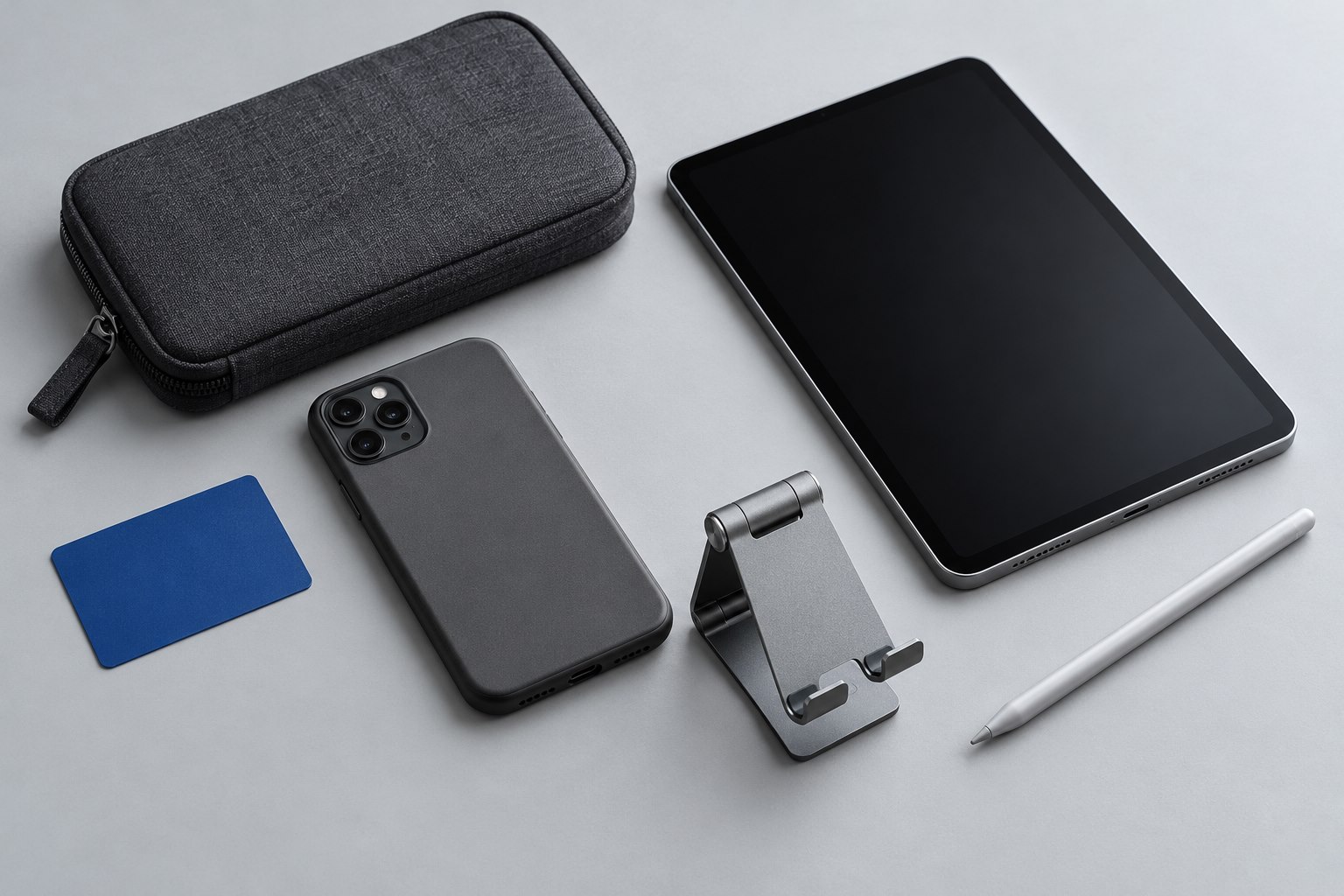
A sleeve protects an e-reader while it is packed, then comes off completely when you read. A fitted cover stays on the device, adding weight but keeping a protective layer available wherever you put it down. Choose between them by looking at where the reader spends most of its time.
If you read at home and carry the device only occasionally, a sleeve may preserve the lightest handheld experience. If the reader repeatedly moves between a bag, café table, and commute, a cover can be more convenient. Neither design is automatically more protective in every situation; materials, fit, and the pressure inside the bag matter.
Match the model and the fitted dimensions
E-readers with similar screen sizes can have different borders, buttons, and asymmetrical grips. A shell-style cover needs to match the precise generation. A sleeve needs enough internal room for the device and any case you intend to leave attached, without allowing it to slide around excessively.
Check the closure path. A zipper should not scrape the device edge during insertion, and a magnetic flap should close without pressing unevenly on the display. Padding that looks thick in a photograph may compress easily around a rigid object in a crowded bag.
Do not pack a heavy charger or other hard accessory directly against the screen side. A soft sleeve can prevent surface scuffs while offering limited protection from concentrated pressure. Put the reader in a dedicated compartment where its broad surface remains supported.
Test the cover as a reading object
Hold the fitted reader for a chapter-length session if possible. Fold the front flap back and notice whether its edge presses into your fingers. A cover that looks elegant when closed can feel awkward when the flap hangs loose behind the device.
Automatic sleep and wake behavior is a separate feature. Kobo explains that its SleepCover uses the cover's opening and closing to control sleep behavior. Confirm that the feature works with your exact reader and that the relevant device setting is enabled. A generic magnetic cover is not guaranteed to behave the same way.
If the device wakes in a bag, inspect whether the flap shifts or the closure is too loose. Diagnose that movement before blaming the reader's battery. A strap may help on a design intended to use one, but forcing a tight band across the display is a poor substitute for a fitted cover.
Give small details a real trial
Try the power button, page-turn buttons, and charging opening with the cover in place. If you use a stylus, confirm where it attaches and whether the cover lets it stay there. A loop that grips the pen too tightly can make removal awkward during note-taking.
For a sleeve, practice removing the reader with one hand supporting it from below. A very snug fit can lead to pulling on the device edge, while a very loose fit may let it fall out when the opening faces down. Choose a closure you will actually fasten each time.
Clean the lining periodically using the maker's guidance and let it dry fully. Grit trapped inside a soft sleeve can travel against the screen repeatedly. A well-chosen cover or sleeve should make the reader easier to carry without making the act of reading less comfortable.
Sources & further detail
These references support the technical context. Examples and selection advice are editorial explanations; verify the documentation for your exact equipment and software.
A detail we should revisit? Send the guide URL and the relevant documentation to SmithKent5791@outlook.com.
Read the editorial policy