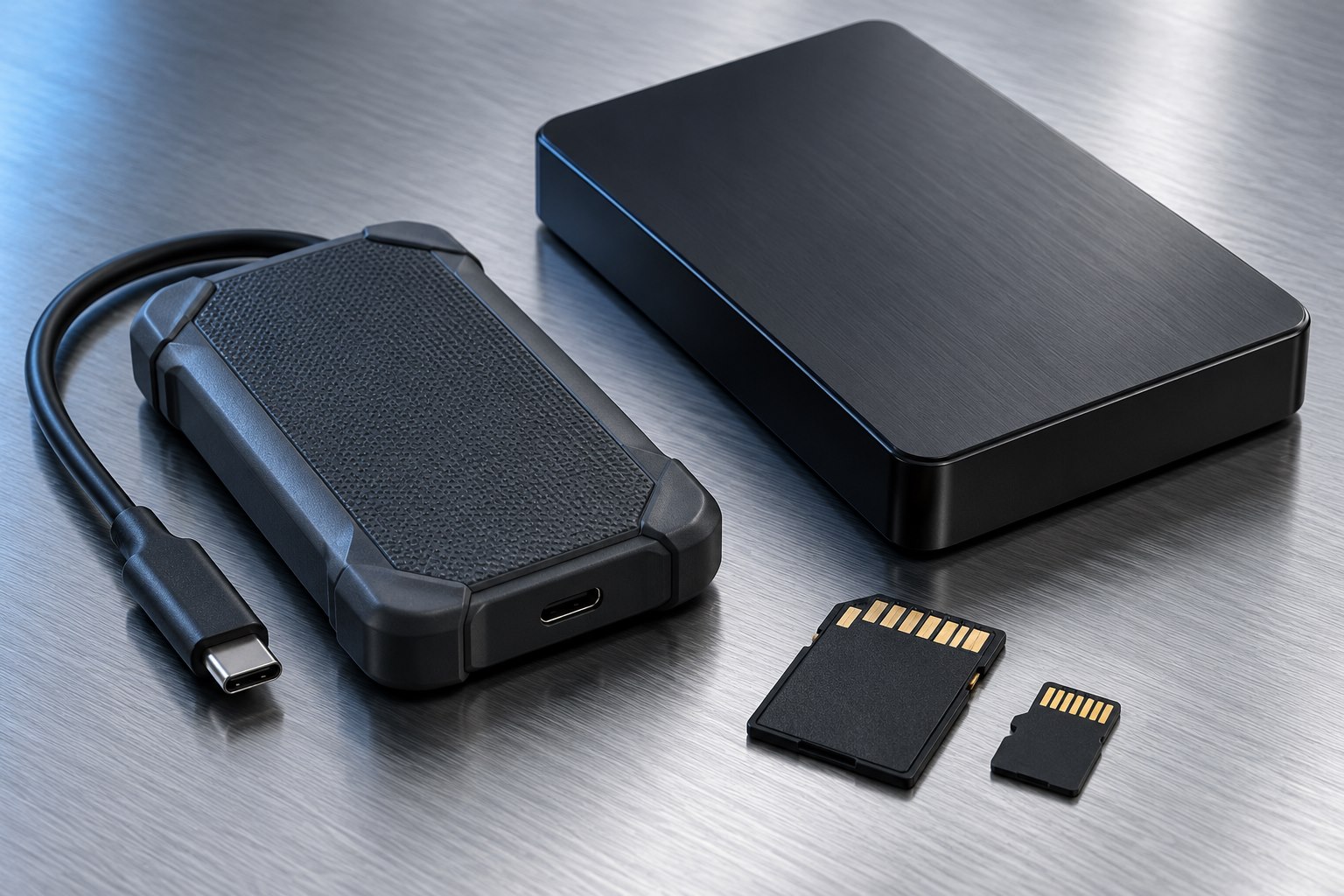
Inventory the card types
Start with the cards in your camera bag or devices. Full-size SD, microSD, and other card families need the appropriate slot or supported adapter. A reader with many openings can be convenient, but unused slots do not improve the transfer path you rely on every day.
For SD-family cards, record the supported bus type as well as the physical size. The SD Association separates bus-interface standards from recording speed classes. A reader advertised only as fast or high speed may not tell you whether it supports the card's intended bus mode.
If you expect to add a new camera soon, check its card requirements before buying a reader around an assumption. Different camera models can use different media even within the same brand.
Match both sides of the reader
The card-to-reader interface and reader-to-computer connection form separate links. A reader that accepts a UHS-II card but operates it only through a lower-speed path will not deliver the full benefit of that card. Likewise, a fast card slot cannot overcome a slower computer connection or destination drive.
Read the specifications for the exact slot. A multi-slot reader may support different capabilities in different openings. If you need to copy from two cards simultaneously, look for explicit support; two physical slots do not guarantee independent concurrent operation.
Avoid treating a maximum interface speed as a promised file-copy rate. The card's own read behavior, the destination storage, and the file mix still contribute to the result.
Choose a practical physical design
A short built-in cable keeps the reader from projecting directly out of the computer, reducing leverage on the port. A detachable cable can be replaced if damaged, but it introduces another item to pack. A compact direct-plug reader may suit occasional use if adjacent ports remain accessible.
Inspect how far a card protrudes from the slot. A deeply recessed card can be awkward to remove, while a card sticking far out is easier to knock. Neither design is universally best; choose for the workspace and the frequency of card changes.
For travel, a cover or pouch can keep debris out of the openings. Keep the reader dry and avoid packing it with a card inserted unless the manufacturer specifically designs it for that arrangement.
Measure the workflow, not a tiny sample
Use a representative card containing nonessential files and copy it to a destination known to be suitable. Time the complete operation, including any verification your normal workflow uses. A one-gigabyte test may finish too quickly to reveal the difference that matters during a large offload.
If performance is unexpectedly low, check the card's bus support, the computer connection, and the destination drive before replacing the reader. Try one card at a time and remove unrelated disk activity. This isolates the path more clearly than changing several accessories together.
A faster reader is most valuable when waiting for large transfers is a recurring bottleneck. For a few documents on a microSD card, reliability and easy handling may matter more than the highest possible speed.
Make removal predictable
Wait for copying and verification to finish, then use the operating system's supported eject process. Microsoft recommends safely removing external storage before disconnecting it. A reader light can help show activity, but it should not be the only signal you rely on.
If a card is reported as in use, close applications and previews that may be accessing it. Do not pull the card simply because the main copy window has disappeared. A background process may still have the volume open.
Keep the reader model in your storage notes if it is part of a tested professional or personal workflow. When a future card performs differently, that record helps identify what changed. A good reader is a well-matched bridge that makes offloading clear and repeatable, rather than another unexplained variable in the chain.
Sources & further detail
These references support the technical context. Examples and selection advice are editorial explanations; verify the documentation for your exact equipment and software.
A detail we should revisit? Send the guide URL and the relevant documentation to SmithKent5791@outlook.com.
Read the editorial policy