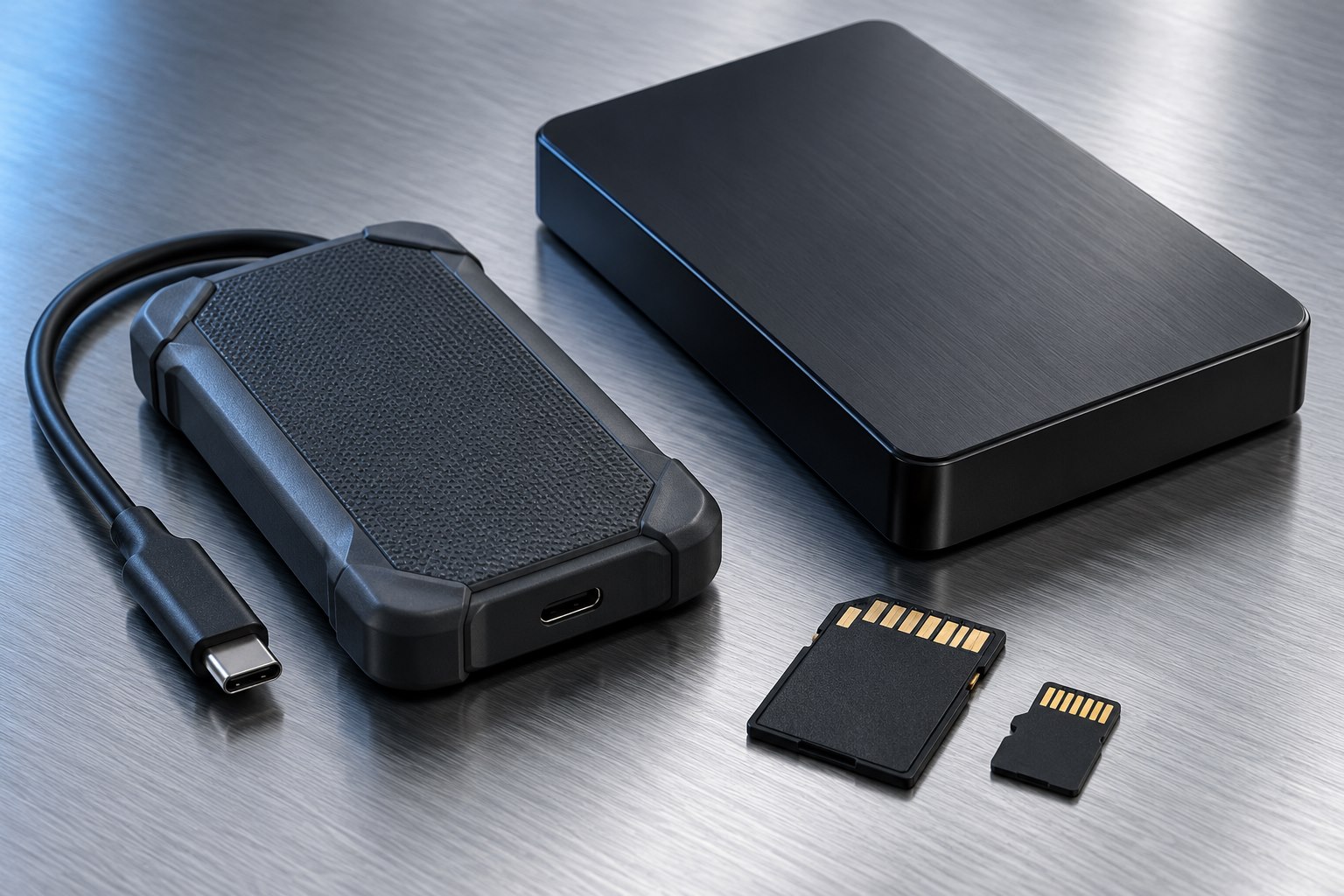
A burst number describes a particular situation
An SSD's headline speed often comes from a defined benchmark under favorable conditions. A real transfer may begin quickly and then settle at a lower rate. That behavior does not automatically mean the drive is defective, but it is worth understanding if your work involves long recordings, large exports, or repeated bulk copies.
Start by recording what is actually happening. Note the file size, source, destination, connection, amount of free space, and approximate point where the slowdown begins. A repeatable drop after a large amount of data suggests a different cause from random pauses accompanied by disconnect messages.
Do not compare a file-manager estimate from one copy with an advertised maximum as though they measure the same thing. Estimates can fluctuate while the operating system counts files or finishes pending writes.
The write buffer may be part of the explanation
Many SSDs use a faster write area to absorb incoming data before it is organized into longer-term storage. The size and behavior of that area depend on the design. Samsung's technical notes for its TurboWrite products explicitly distinguish performance within and beyond the buffer. The lesson is broader than one model: sustained writing deserves its own specification.
If your typical transfer is a small collection of documents, a burst-oriented design may suit you perfectly. If you repeatedly write hundreds of gigabytes, look for manufacturer information about longer transfers and the exact capacity you are considering. A larger model in the same family can behave differently.
Free space can influence how some drives manage their working areas. Avoid filling a drive to the edge and then treating a slower long transfer as a fair comparison with an empty-drive benchmark.
Heat can introduce another limit
An SSD may reduce performance when its temperature reaches a control threshold. This protects operation within the product's design limits. Enclosure design, ambient temperature, airflow, and the workload all affect how quickly heat builds up. A warm metal shell can be part of moving heat away from the electronics, so touch alone is not a diagnosis.
Keep the drive in the position its maker expects, with vents clear if present. Do not run it inside a padded carrying pouch or directly against another warm device. If the manufacturer provides a supported temperature-reading tool, use that information alongside the transfer pattern.
A sudden stop, repeated disconnect, burning smell, or physical damage calls for a different response from a stable lower transfer speed. Stop using damaged equipment and follow product support guidance.
The source and the files still matter
Copying from a slow memory card can leave a fast SSD waiting. Copying thousands of small files adds repeated filesystem work that a single large video does not. Antivirus scanning, cloud synchronization, and an application using the same disk can also change the observed rate.
For a useful comparison, choose a representative set of nonessential files and keep the conditions consistent. Do not repeatedly overwrite the only copy of important data for a performance experiment. Try the drive directly on a supported computer connection and remove unrelated activity where practical.
Read and write are separate directions. A drive that quickly reads a finished project may take longer to receive the same amount of new data. Choose around the direction your workflow uses most.
Turn the result into a purchase decision
Imagine two drives that both finish a small copy promptly, but one slows markedly halfway through a very large export. For occasional file exchange, the difference may be irrelevant. For a daily production workflow, the longer completion time can be the more useful comparison than either drive's peak number.
Look for clear test conditions in manufacturer documentation and avoid a product listing that offers only one unexplained speed. If possible, assess the drive with your actual application while the return period remains available. Keep enough time for a full-size sample rather than a tiny demonstration.
A drive is suitable when its sustained behavior fits the job, not when every moment of every transfer reaches the largest number on its packaging. Consistent operation, adequate free space, and a verified second copy of the data matter throughout that decision.
Sources & further detail
These references support the technical context. Examples and selection advice are editorial explanations; verify the documentation for your exact equipment and software.
A detail we should revisit? Send the guide URL and the relevant documentation to SmithKent5791@outlook.com.
Read the editorial policy