Look at the room before the panel
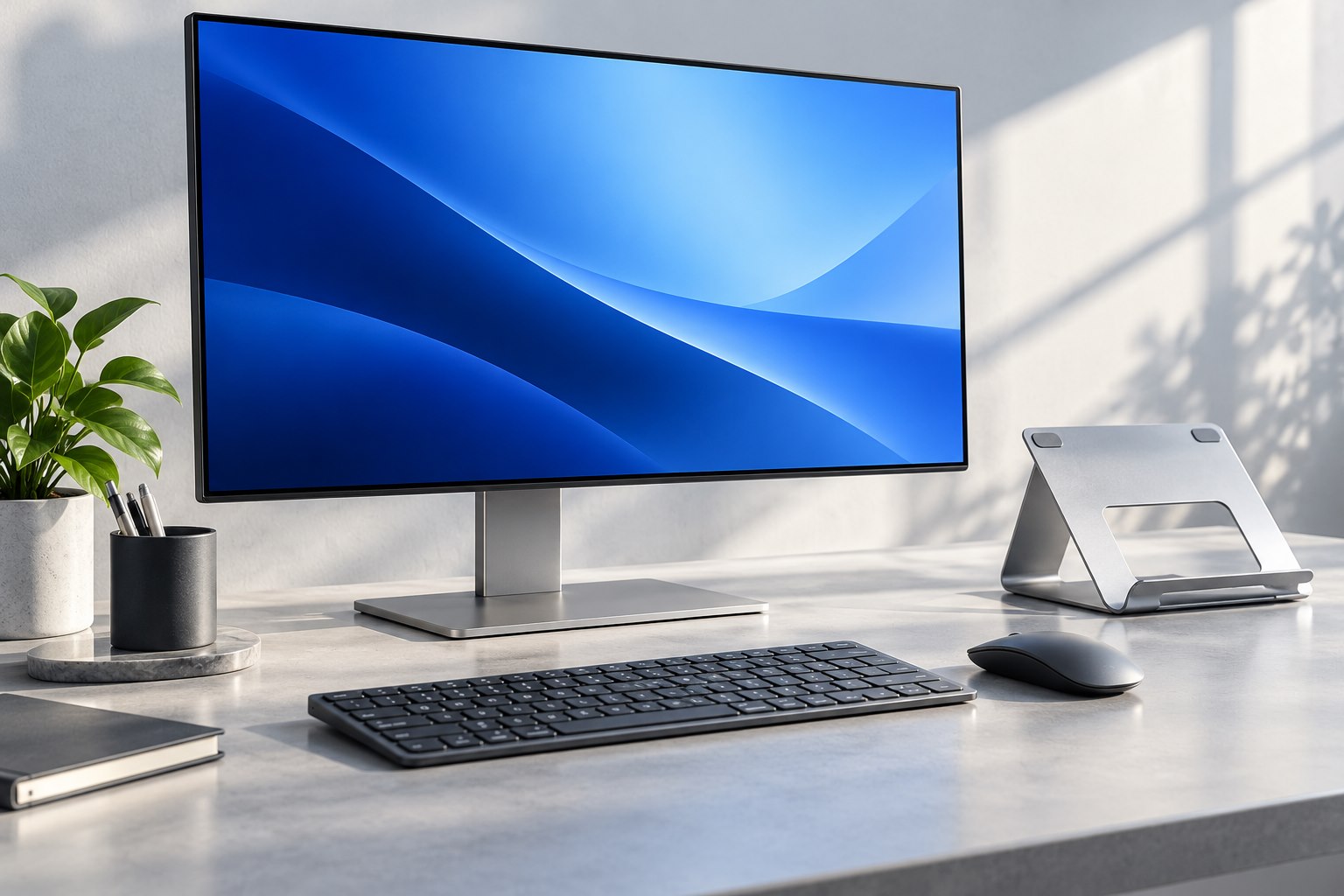
A screen facing a bright window has a different job from one in a room with controlled lighting. Before choosing a finish, sit at the desk and identify what the panel will reflect: a window, lamp, bright wall, or overhead fixture. Matte treatments tend to diffuse reflections, while glossier surfaces can retain more distinct reflections. Actual coatings vary, so the category label does not describe every product. A glossy display in a well-controlled room can look excellent, and a matte display can still be distracting if a strong light shines directly onto it. Placement remains part of the solution.
Judge text and dark content together
A bright store demonstration can hide some reflection behavior, especially when every screen shows vivid images. Look at ordinary text on a light background and a darker scene with subtle detail. Notice whether reflections compete with the content or whether the surface texture is visible in a way you dislike. Keep display brightness reasonable rather than using maximum output to overpower the room. If possible, inspect the model under lighting similar to your desk. Photographs and videos of monitors cannot reliably reproduce how a surface interacts with the light and viewing position in your own room.
Do not confuse finish with panel quality
Color accuracy, contrast, viewing angles, resolution, and surface finish are separate characteristics that interact in the final image. A glossy coating does not guarantee accurate color, and a matte coating does not guarantee better text. Product claims about anti-reflection or anti-glare treatments should be read in the context of the specific display. If color-sensitive work is important, look at the relevant color-management capabilities and suitable verification rather than using finish as a shortcut. For ordinary office work, readable text and manageable reflections may matter more than a dramatic image that only looks its best in a carefully darkened room.
Try environmental changes first
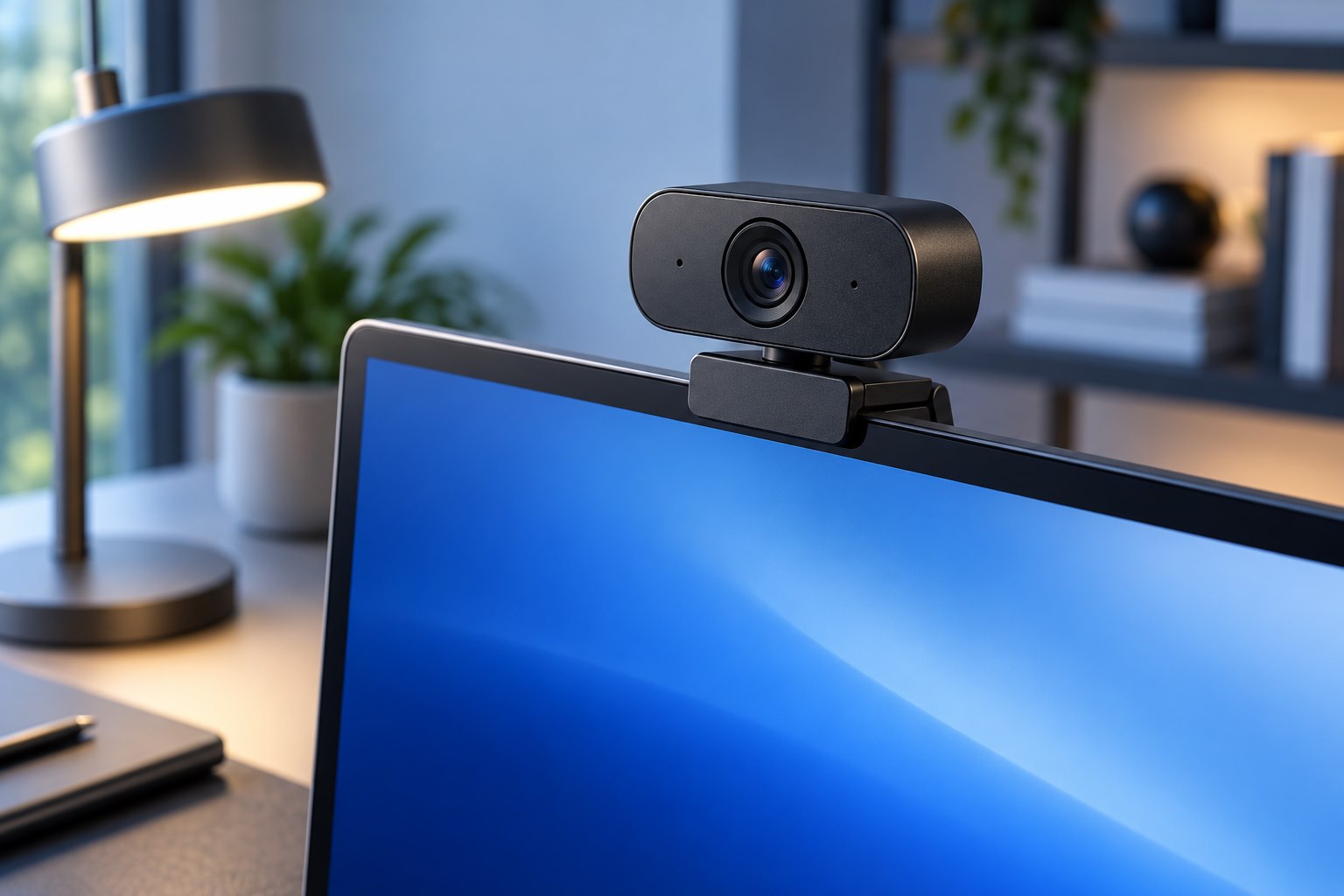
Move the screen or lamp slightly, adjust blinds, and see whether the most distracting reflection disappears. A monitor arm can help with position, but the desk and viewing angle still need to remain practical. Avoid placing a bright task light where it shines directly into the panel or camera. If a reflection comes from behind the chair, changing the screen brightness alone may not solve it. Test the room at different times of day, because a setup that works in the evening can behave very differently in morning sunlight. These observations can prevent buying a new finish to compensate for a fixable lighting arrangement.
Care for the coating you choose
Use the manufacturer's cleaning instructions for the exact display. Specialized surfaces can have different requirements from ordinary coated glass or plastic, and a general household cleaner may damage them. Start with a clean appropriate cloth, avoid spraying liquid onto the panel, and do not press hard to remove a mark. Keep the cleaning method as part of the purchase decision if the screen will be used in a shared or frequently handled space. Choose the finish that remains readable in your real room and that you can maintain properly. The best-looking demonstration image is less important than a screen that stays clear during the work you do every day.
Sources & further detail
These references support the technical context. Examples and selection advice are editorial explanations; verify the documentation for your exact equipment and software.
A detail we should revisit? Send the guide URL and the relevant documentation to SmithKent5791@outlook.com.
Read the editorial policy