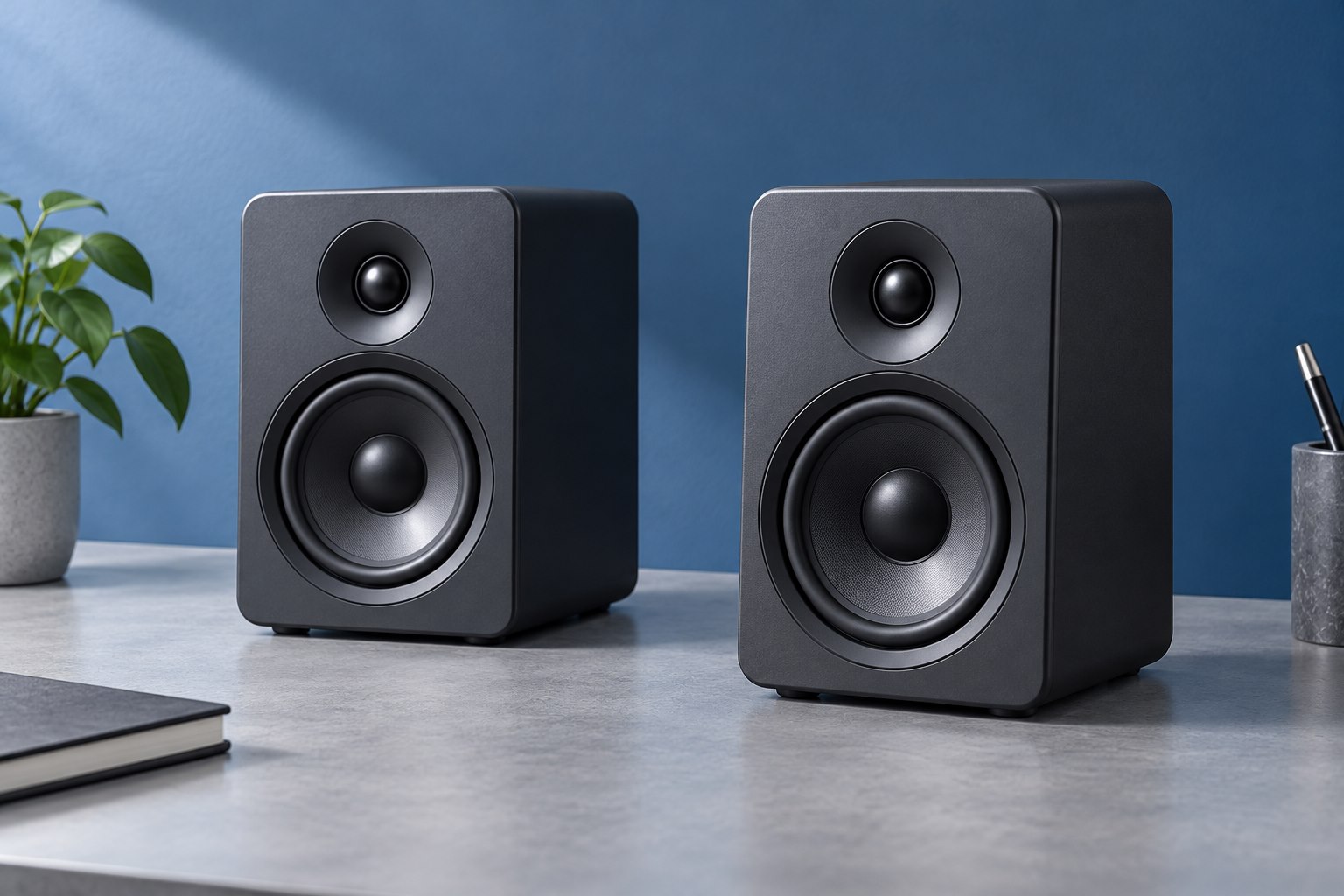
Solve the height problem first
Measure where the speaker's intended listening axis sits relative to your ears in your normal chair position. A stand can raise the speaker; a tilt platform can aim it upward with less added height. Choose the approach that fits the available space. If your monitor occupies most of the desk, raising the speakers may also clear the screen edges, but do not assume taller is always better. An elevated speaker needs a stable base and enough room around nearby shelves. Check the speaker manual for orientation guidance before laying a vertical design on its side to fit a stand.
Match the support surface and load
Compare the speaker's footprint and weight with the stand's platform and capacity. A load rating alone does not tell you whether a deep cabinet will balance securely on a small top plate. Look for a suitable non-slip surface and any approved retaining features. Leave room for rear connectors and cable bends. A stand that presses a plug against a wall can place stress on the socket even when the speaker itself fits. For adjustable stands, check how height and tilt lock. A joint that is easy to reposition should still hold the intended load without gradual movement.
Understand what isolation can do
Some stands use compliant pads or other isolation elements to reduce vibration transmitted to the desk. This can be useful when the surface resonates or nearby objects rattle. It does not mean the stand will stop all bass reaching the room, nor does it remove reflections from walls. Compare at the same volume and listen for the specific problem you want to reduce. If a loose pen holder is buzzing, moving that object may solve more than changing the speaker stand. Avoid treating a material name or a heavy price tag as evidence of an audible improvement in every setup.
Plan for movement and daily access
A sit-stand desk changes cable reach and can amplify wobble at tall accessories. Move the desk through its normal range and inspect the speaker leads before finalizing the route. Keep stands away from edges where a sleeve, pet, or chair movement could catch them. If the desk is shared, consider a fixed stand that is difficult to misadjust accidentally. If you frequently change between sitting and standing listening positions, an adjustable arrangement may be worthwhile. Accessibility to the volume control matters too; a stand should not hide a front knob behind the monitor bezel or force a reach around the cabinet.
Evaluate the completed pair
Set both speakers at matching heights and comparable distances, then listen from the chair rather than standing over the desk. Use speech to check the center image and familiar music to judge bass clarity. If a tilt change makes the sound clearer, note the angle or locking position so it can be restored after cleaning. Check stability with gentle ordinary desk movement, never by deliberately rocking a loaded stand. Keep the selected stand only if it improves placement or operation without creating a new hazard or cable problem. For a compact desk, a modest correctly sized platform often provides more value than an elaborate stand whose footprint crowds everything else.
Sources & further detail
These references support the technical context. Examples and selection advice are editorial explanations; verify the documentation for your exact equipment and software.
A detail we should revisit? Send the guide URL and the relevant documentation to SmithKent5791@outlook.com.
Read the editorial policy