Write down the display mode first
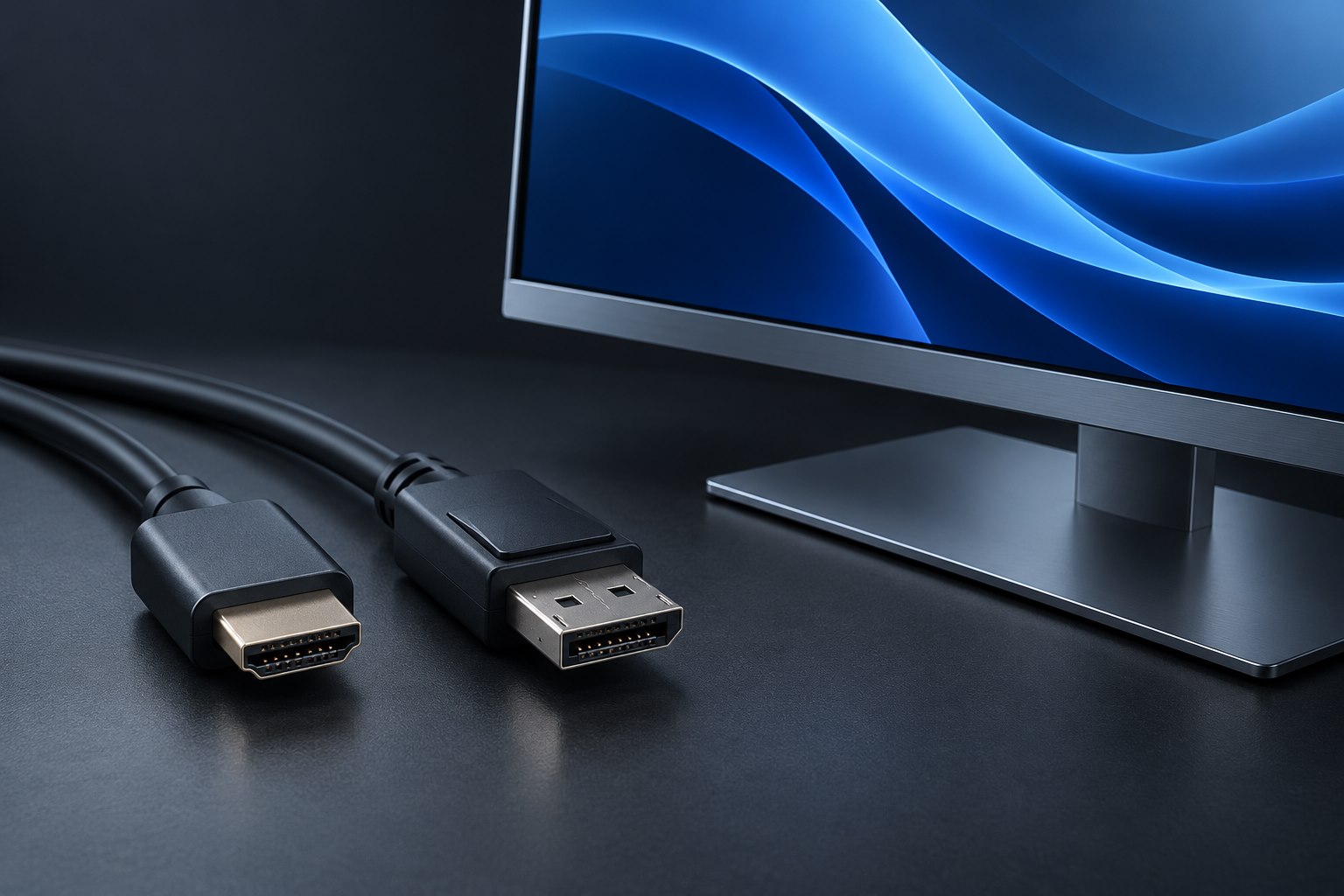
Before replacing an HDMI cable, identify the source, display, and target picture mode. A streaming box feeding an ordinary television at 60 frames per second has different needs from a gaming computer driving a high-refresh monitor. Resolution alone is incomplete: refresh rate, color format, and bit depth also affect the connection. Check the supported mode on both endpoints rather than choosing a cable from the largest resolution printed on its package.
If your current cable already delivers the intended picture without dropouts or artifacts, a more expensive replacement does not add detail to the digital image. Replacement makes sense when the cable is damaged, too short, undocumented for a new demanding mode, or demonstrably causing problems. This keeps the purchase tied to a real requirement and avoids treating decorative braiding as a performance specification.
Understand what the official cable names do
HDMI Licensing Administrator describes several official cable categories and certification programs. Premium High Speed certification addresses an 18Gbps class, while Ultra High Speed addresses a higher 48Gbps class; newer Ultra96 products target still higher bandwidth. These are useful distinctions when read alongside the actual equipment requirements. A category capable of more bandwidth does not make an older source output a new display mode.
Look for the official certification label where applicable and use its verification method. Check that the returned product model and length match the item in front of you. A marketplace title saying 'certified' is weaker evidence than a verifiable label tied to the exact product. Buy from a seller whose packaging and return information are clear, especially when a cable will be difficult to replace after installation.
Make length and routing part of the specification
Measure the complete cable route, including the bends behind the television and the space needed to move an adjustable arm. A plug pressed hard against a wall can make a nominally suitable cable awkward or unreliable. A slimmer connector shell may fit better than a bulky premium-looking one. Check the available clearance before choosing a right-angle adapter, because that adapter adds another connection whose capabilities must also be verified.
The exact length matters. Certification programs test cable models and lengths; do not assume that a long variant behaves identically to a short lead with the same brand name. For long runs, an active or optical design may be appropriate, but that introduces direction and installation considerations. Select the route and required performance first, then choose the construction that is documented for that combination.
Validate with the actual content path
Test a new cable directly between source and display before routing it behind furniture. Select the desired output settings and confirm that the display reports the expected mode. If an AV receiver, switch, or capture device belongs in the final path, add it afterward. Each intermediate device must support the same required features; a cable cannot compensate for a limiting input on another component.
Keep the package or a photograph of its label with your setup notes. If intermittent blanking appears later, try a simpler mode and a known-good direct connection before concluding that the display is broken. A reproducible difference between two cables is more useful evidence than a vague impression that one looks better. Once the setup is stable, leave enough slack to move the equipment without putting strain on the plugs.
Sources & further detail
These references support the technical context. Examples and selection advice are editorial explanations; verify the documentation for your exact equipment and software.
A detail we should revisit? Send the guide URL and the relevant documentation to SmithKent5791@outlook.com.
Read the editorial policy