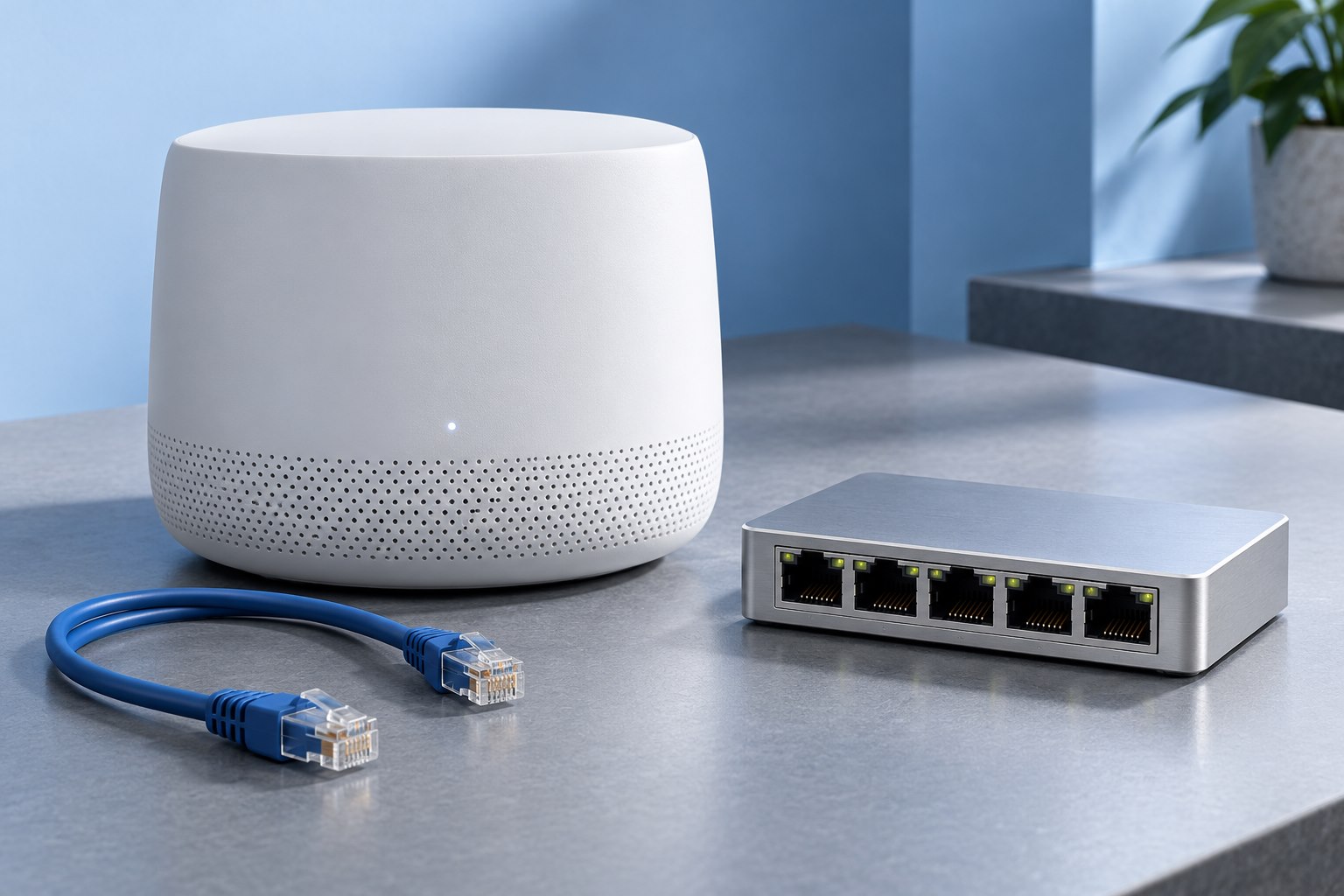
Identify whether the traffic is local
A faster Ethernet link can improve a large transfer to local storage even if the internet subscription remains unchanged. It may do little for web browsing on a slower internet plan. Begin by naming the task: copying video to a NAS, moving backups between computers, or receiving a faster service from the provider.
Draw the path for that task. Include the computer's network adapter, every switch or router port, and the destination's connection. If any necessary segment remains at a lower rate, it can limit the transfer. An adapter purchase alone does not upgrade the entire route.
For local file work, include storage performance in the drawing. A slow source drive or destination can become the limit after the network improves.
Read negotiated speed rather than the product name
Network devices normally negotiate a mutually supported link mode. A port advertised as 2.5 gigabit can connect at a lower rate when the other end or cable path does not support the intended mode. Check the reported link rate on the computer or switch after installation.
A steady lower negotiated rate suggests a different investigation from a link that repeatedly drops and reconnects. Try a known-good short cable to isolate the installed route. If the short connection works, inspect patch leads, wall terminations, and intermediate devices.
Do not manually force speed settings as the first step. Automatic negotiation is the intended starting point for most current home equipment. Follow the manufacturer's instructions if a particular device requires something different.
Existing cabling may still be useful
Ethernet Alliance's multigigabit cabling guidance discusses using suitable installed Cat 5e and Cat 6 channels for 2.5 and 5 gigabit applications. That does not mean every cable carrying one of those labels is guaranteed to work in every condition. Length, terminations, installation quality, and interference remain relevant.
Test the existing route before replacing it. A damaged patch lead may be the only problem, while a poorly terminated permanent run may need professional attention. Replacing all visible leads with a high category number will not repair a bad connection inside the wall.
For a new permanent installation, plan around the required link rate and future use with an appropriate cabling specification. The cost of accessing the route later can matter more than the price difference between suitable cable types.
Check adapters and their host connection
A computer without a built-in multigigabit port may use an external adapter or an internal network card. Confirm operating-system and driver support for the exact product. The connection between an external adapter and computer must also support the intended throughput.
A compact adapter may become warm during sustained traffic. Use it in an open position and follow its operating guidance. Do not tuck it into a padded bag while transferring a large backup.
If a laptop changes power modes or sleeps during the test, the observed result may not reflect a stable network path. Keep the test conditions consistent and review any relevant power-management guidance from the adapter maker.
Use a realistic local transfer
Choose nonessential data large enough to run beyond a brief burst. Copy between storage devices that can plausibly exceed the old network rate. Watch for sustained behavior rather than recording only the initial peak.
Remember the unit conversion: network links are commonly described in bits per second, while file copies often show bytes per second. Eight bits make one byte, and protocol overhead reduces the useful file-transfer rate further. A 2.5 gigabit link therefore does not promise a 2.5 gigabyte-per-second copy.
A collection of tiny files can be limited by filesystem and application overhead. Test the kind of material you actually move, and compare the total completion time with the previous setup.
Upgrade only the useful path
You may need faster ports only for a workstation and NAS, leaving printers and other low-demand devices on existing connections. A carefully chosen switch can create that local path without replacing every network component. Check how traffic reaches the internet separately.
If several computers will transfer simultaneously, consider the shared links they use. A fast set of access ports can still converge on a slower uplink. The right design depends on which transfers overlap, not just the number of devices.
Keep the old baseline and record the final negotiated rates. A successful upgrade is one that shortens the task or improves its consistency enough to justify the cost. The new label on the adapter is secondary to the measured result across the complete route.
Sources & further detail
These references support the technical context. Examples and selection advice are editorial explanations; verify the documentation for your exact equipment and software.
A detail we should revisit? Send the guide URL and the relevant documentation to SmithKent5791@outlook.com.
Read the editorial policy