Find the areas that matter
A router's location is often chosen by the incoming cable, not by the rooms where people use Wi-Fi. That can leave the equipment behind a television, inside a cabinet, or at one edge of the home. Before buying a replacement, mark the places where the connection is weak and the places where it already works well.
Use the same device for the first comparison. Test near the router and at the troublesome location while avoiding other large transfers. Record whether the problem is a low transfer rate, a dropped connection, or an application that pauses. These symptoms can have different causes, and a simple map prevents vague impressions from driving the purchase.
If every location is slow, including a supported wired connection, router placement may not be the main problem.
Give the radio a less obstructed position
Place the router in an open location with reasonable access to the areas it serves. Avoid enclosing it in metal furniture or crowding it against large appliances. TP-Link's placement guidance recommends open positioning and separation from obstacles and interference sources. The exact best location still depends on the building.
Height can help keep the unit clear of furniture, but follow its intended orientation and mounting instructions. Do not balance it on a narrow ledge simply to gain elevation. Leave ventilation space, and keep power and network cables from pulling the device sideways.
Large mirrors, dense walls, and metal-backed materials can alter the path. A room that looks nearby on a floor plan may be difficult to reach through its construction. Moving the router a modest distance can change that path more than expected.
Work within the cable constraints
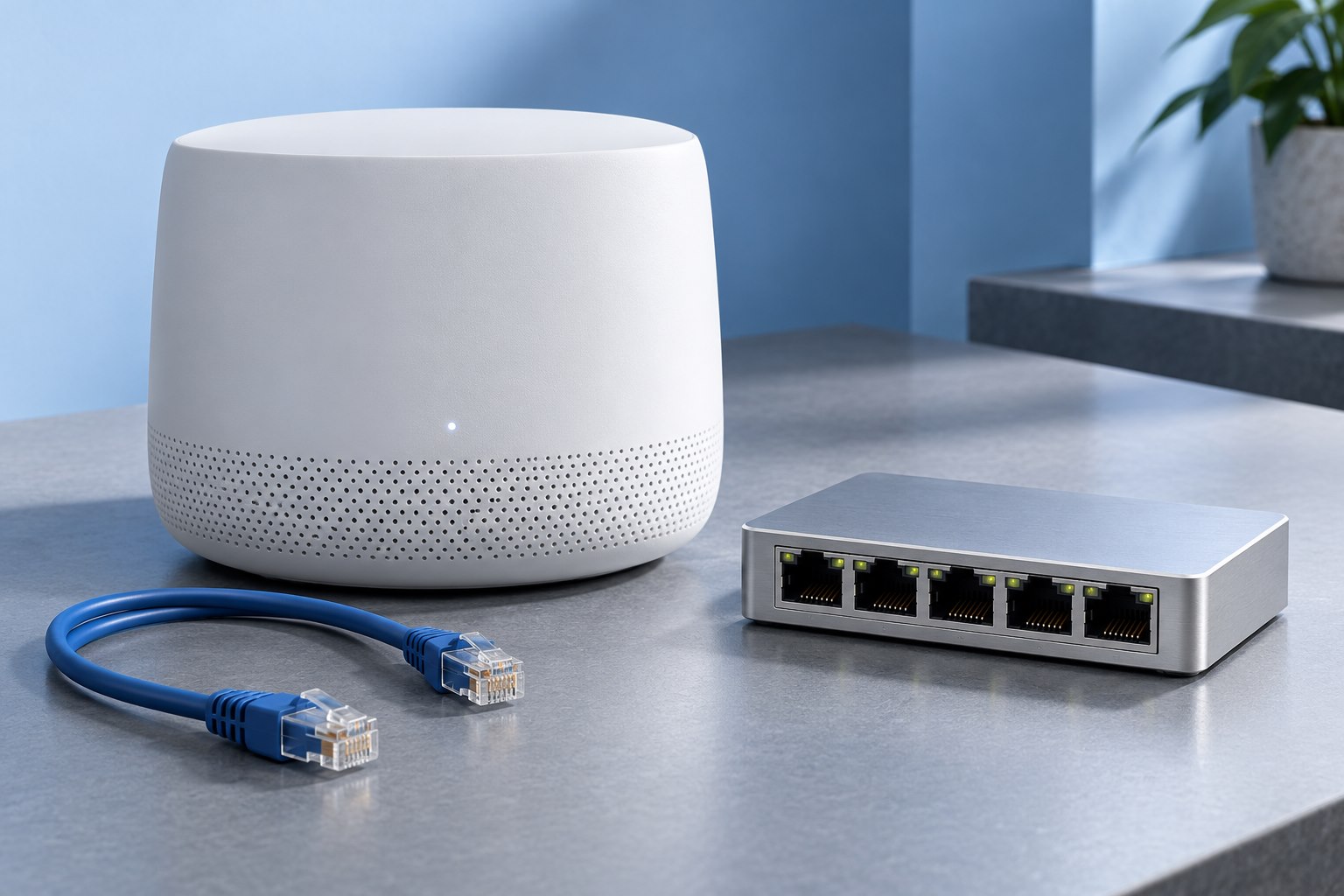
The incoming service equipment may limit how far the router can move. Determine whether the router is separate from the modem or optical terminal and whether an appropriate Ethernet run can connect them. Do not extend or modify a provider's optical connection casually.
A longer supported network cable can sometimes move the router from a poor corner to a better shelf. Route it so doors and furniture do not crush it, and use an installation method suitable for the building. If permanent cabling is needed, a qualified installer can assess the route and local requirements.
Keep the provider's equipment and your own router roles clear. Moving a wireless access point is different from moving every part of the internet connection.
Compare one change at a time
After moving the router, repeat the same tests in the same locations. Use a realistic task such as a video call or file transfer as well as a speed test. A brief maximum result can look impressive while a call still suffers from inconsistent delivery.
Avoid simultaneously changing channel settings, replacing cables, and moving the equipment. If the result improves, you want to know why. Keep a short note of the old and new positions and the observed difference.
Check the whole home, not just the original weak spot. A move that improves one bedroom while making the main workspace unreliable may not be the best compromise.
Know when placement has reached its limit
A single router may not cover a long house, several floors, or a building with dense internal walls. If a central open location still leaves a distinct weak area, an additional access point or a suitable mesh system may be more useful than a faster single router in the same place.
Where possible, a wired connection to an additional access point gives it a dependable path back to the network. If that is impractical, a wireless mesh node needs a location that can still communicate well with the main unit. Placing another radio directly in the dead zone does not automatically solve the connection feeding it.
The first purchase should follow the diagnosis: better placement, a cable, an additional access point, or a router replacement. That sequence keeps the solution tied to the actual coverage problem.
Keep a final reference
Once the position works, label the cables and save a simple network sketch. Record the router model and where its support information is kept. If furniture changes later, the note gives you a baseline to return to.
Recheck coverage after a major room rearrangement or a new appliance appears near the router. A working setup is affected by its surroundings.
The useful result is stable service where people use it. A well-placed existing router can be a better starting point than a more expensive unit left behind the same obstructing furniture.
Sources & further detail
These references support the technical context. Examples and selection advice are editorial explanations; verify the documentation for your exact equipment and software.
A detail we should revisit? Send the guide URL and the relevant documentation to SmithKent5791@outlook.com.
Read the editorial policy