Count the connection back to the router
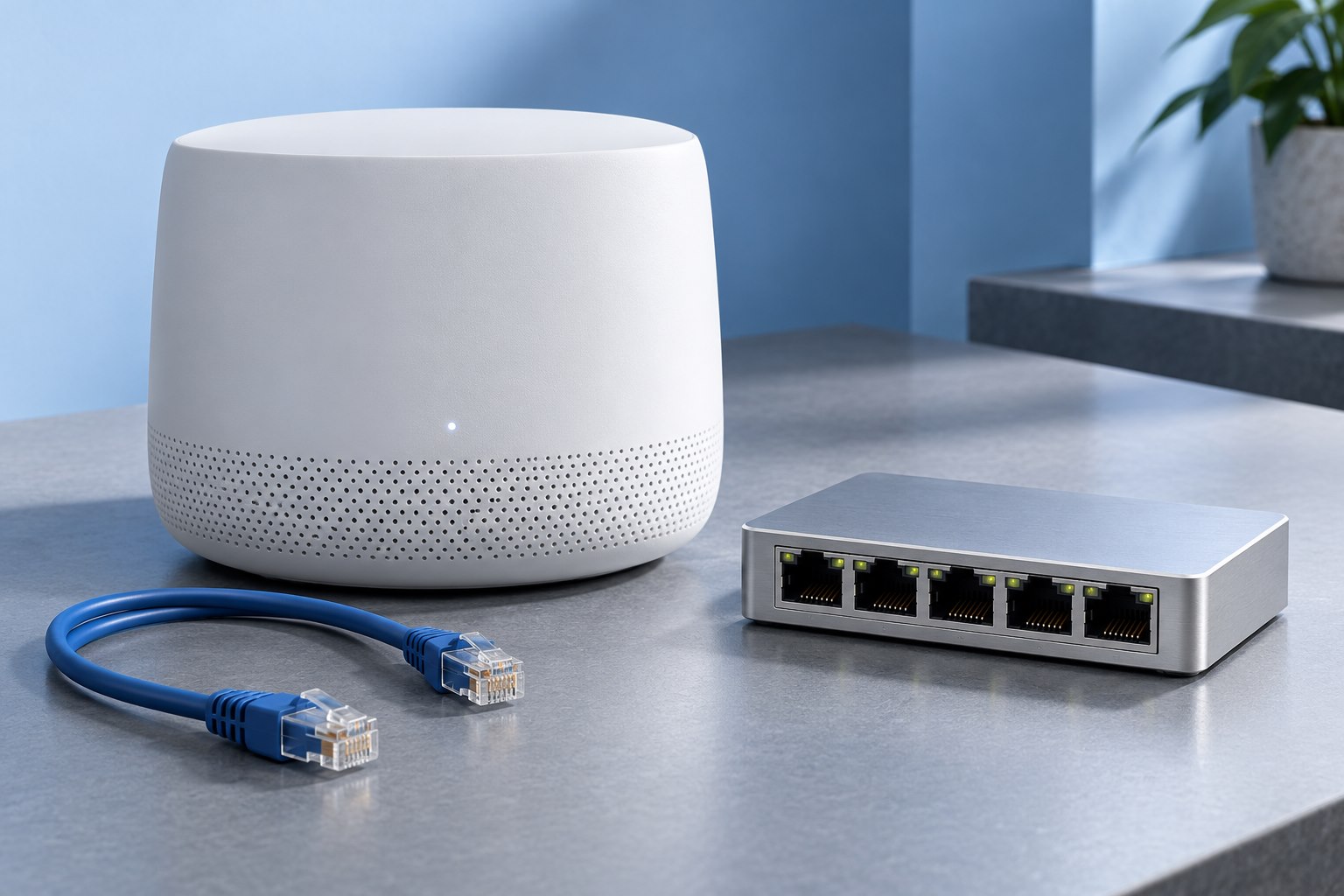
An unmanaged Ethernet switch is a straightforward way to connect several wired devices to an existing local network. One port connects it to the router or another appropriate network point, leaving the remaining ports for devices. A five-port switch therefore usually adds four available device connections in that arrangement.
List what will connect today and what is reasonably likely to be added. A desktop, printer, access point, and storage device already consume four ports. Choosing a little spare capacity can be easier than adding another small switch immediately, but buying a large unit for imaginary future equipment creates unnecessary size and cost.
NETGEAR's explanation of unmanaged switches describes their plug-and-play role. They generally do not provide the configuration features found in managed equipment, which is part of their appeal for a simple home setup.
A switch does not replace the router
The router connects networks and commonly provides services such as address assignment and internet sharing in a home. A switch connects devices within the local network. Adding a switch to a modem does not necessarily provide the same function as adding it to a router's LAN port.
Identify the provider's equipment before wiring. A modem-router combination may already perform the routing role, while a separate modem may not. Use the service provider's and equipment maker's supported topology.
A basic installation is often router LAN port to switch, then switch to each device. Do not connect several cables between the same two unmanaged devices in an attempt to increase speed. Without a specifically supported aggregation or loop-management design, that can disrupt the network.
Match port speed to the work
Check the speed of every relevant port, including the router connection. A switch with faster ports can allow compatible local devices to exchange data at a higher rate even when the internet plan is slower. But a device with a slower port will connect at a mutually supported rate.
For example, a computer and NAS on the same suitable switch can have a different local transfer path from traffic going out to the internet. This is why the internet speed test is not the only useful measure when choosing a switch for file sharing.
Also check whether all ports are equivalent. Some products have a mix of faster and slower ports or separate uplink designations. Read the exact model's port table instead of assuming every socket shares the largest number in the product title.
Power over Ethernet is a separate requirement
A standard Ethernet data port does not automatically power an access point or camera. If a device needs Power over Ethernet, confirm the supported PoE standard, power per port, and total switch budget. A PoE-capable switch can still have too little total power for all intended devices.
Keep passive power arrangements distinct from standards-based PoE. Use only equipment the device maker identifies as compatible. Guessing from a matching connector can damage equipment when power delivery differs.
If none of your devices need network-delivered power, a non-PoE switch may be smaller, quieter, and simpler. Do not buy a power feature merely because it appears more capable on paper.
Choose a place you can inspect
Leave ventilation space and keep the power supply accessible. A fanless model can suit a quiet desk, while a larger or higher-power unit may have different cooling needs. Avoid burying any switch beneath papers or inside a tightly packed cable box.
Route cables so their weight does not pull on the ports. Label the connections if several lead to different rooms. A visible link indicator can help with troubleshooting, but learn what its colors mean for the exact model; indicator conventions vary.
Use an appropriate mounting method if the switch is attached to furniture. Adhesive strips not intended for the load can fail when warmed by equipment or stressed by cables.
Check every added device
After installation, confirm that each device receives network access and that its link rate is as expected. Test local communication where needed, such as printing or opening a NAS share. A device that can reach the internet is not automatically configured for every local task.
If one connection fails, try a known-good cable and port before replacing the switch. Change one part at a time so the result identifies the cause.
An unmanaged switch is most effective when the requirement is simple: more reliable wired connections on the same network. If you need separate VLANs, detailed traffic policies, or other managed features, choose equipment and a configuration plan that explicitly support them.
Sources & further detail
These references support the technical context. Examples and selection advice are editorial explanations; verify the documentation for your exact equipment and software.
A detail we should revisit? Send the guide URL and the relevant documentation to SmithKent5791@outlook.com.
Read the editorial policy