Trace the connection from the provider to the device
A router remaining on during an outage does not guarantee internet access. The connection may also depend on a modem, optical network terminal, separate access point, or powered network switch. Trace the actual path in your home and identify which devices need local power. A laptop has its own battery, but the equipment providing its connection may not. This inventory is the first step in choosing useful backup capacity.
Also recognize the boundary of local backup. The provider's equipment outside the home may lose service, and a local UPS cannot guarantee that the wider network remains available. The practical goal is to preserve the parts under your control for a defined period. Avoid advertising a home backup setup to yourself as an absolute promise of connectivity during every outage.
Choose between AC and documented DC backup
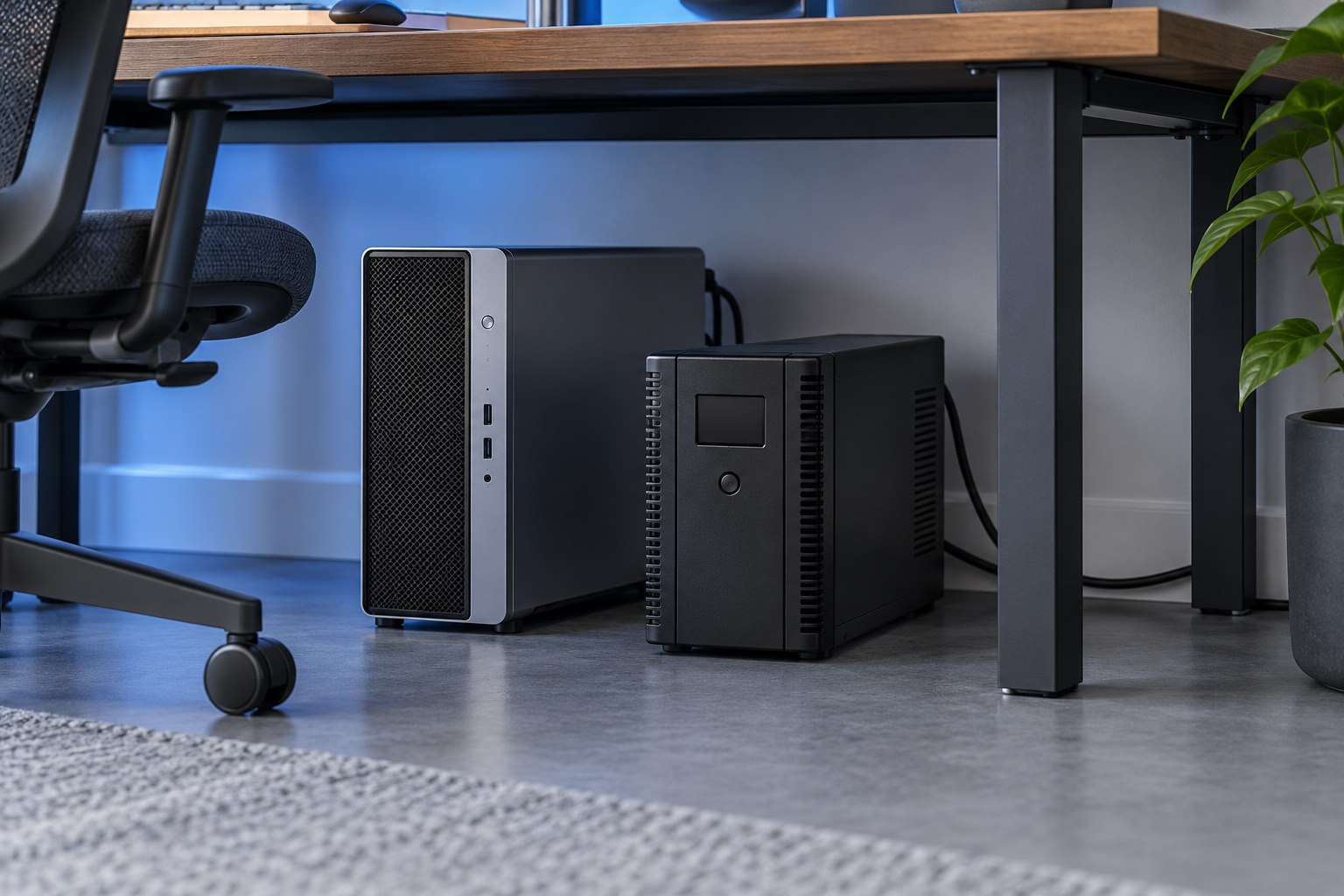
A conventional UPS can power the equipment's normal AC adapters through its supported outlets. Some compact backup products provide regulated DC outputs for specific networking devices. Eaton describes home uses for both conventional UPS equipment and compact DC backup products. The DC approach needs careful matching of voltage, polarity, connector, and current requirements; a plug that fits is not enough.
Use an explicitly compatible product and follow the equipment manufacturer's guidance. Do not improvise a USB-to-barrel lead or combine adapters to force a voltage match. For many households, retaining the original power adapters on a suitable AC UPS is easier to understand. A documented DC solution can be compact, but its electrical compatibility needs to be established for every connected device.
Size runtime around the essential network
Add the load of the devices that must remain active and consult the UPS runtime information for that load. A small network setup can have different needs from a desk containing a gaming computer and several displays. Keeping only essential networking equipment on one backup unit may preserve useful runtime, depending on the products and installation. Do not assume that every spare socket should be used.
If Wi-Fi coverage depends on multiple access points or mesh nodes in different rooms, consider which ones need to remain active. Backing up the main router may leave a distant room without service if its local node loses power. Decide whether one covered area is sufficient during an interruption or whether the complete coverage arrangement matters. That decision changes the equipment list and cost.
Work backward from the room that must stay online
Imagine a laptop user who needs one upstairs work area online for a short outage. The fiber terminal and router are downstairs, while a powered access point serves the upstairs room through a small switch. Backing up only the router leaves two local dependencies unprotected: the terminal and the upstairs equipment. A practical plan might back up the necessary devices at both locations, or move the laptop to an area served directly by the router during the outage. The second choice can reduce equipment and cost if it suits the work.
Now compare that with a home where the modem and Wi-Fi router are one combined unit and the laptop sits nearby. The backup inventory is much simpler. This contrast explains why a generic router-runtime claim is not a complete purchasing guide. Identify the smallest working connection path for the place you need to use, then size backup for that path. If the work also depends on a locally hosted file server, include its supported shutdown and power needs separately.
Plan placement and normal maintenance
Networking equipment is often hidden in a cupboard, but backup equipment also needs appropriate ventilation, access, and operating conditions. Follow the UPS instructions and keep indicator lights readable. Label each power adapter with its device name, especially where several similar barrel connectors meet. This reduces mistakes during a later router replacement or cable tidy.
Keep the provider's support information and equipment model list available offline. If internet service fails while all local devices remain powered, the next step may be checking the provider's status rather than changing UPS settings. A clear dependency map helps distinguish a local power issue from an external service interruption.
Verify the intended fallback without risking active work
Use the backup product's supported test procedure and prepare connected systems first. Confirm that the necessary network devices stay operational and that the laptop or phone can use the intended connection. Check the expected runtime estimate and low-battery indications. Do not run the battery flat merely to prove that it works; follow the manufacturer's testing guidance. The finished plan should identify what stays connected, for approximately how long under the stated load, and what you will do if the provider connection also fails.
Sources & further detail
These references support the technical context. Examples and selection advice are editorial explanations; verify the documentation for your exact equipment and software.
A detail we should revisit? Send the guide URL and the relevant documentation to SmithKent5791@outlook.com.
Read the editorial policy