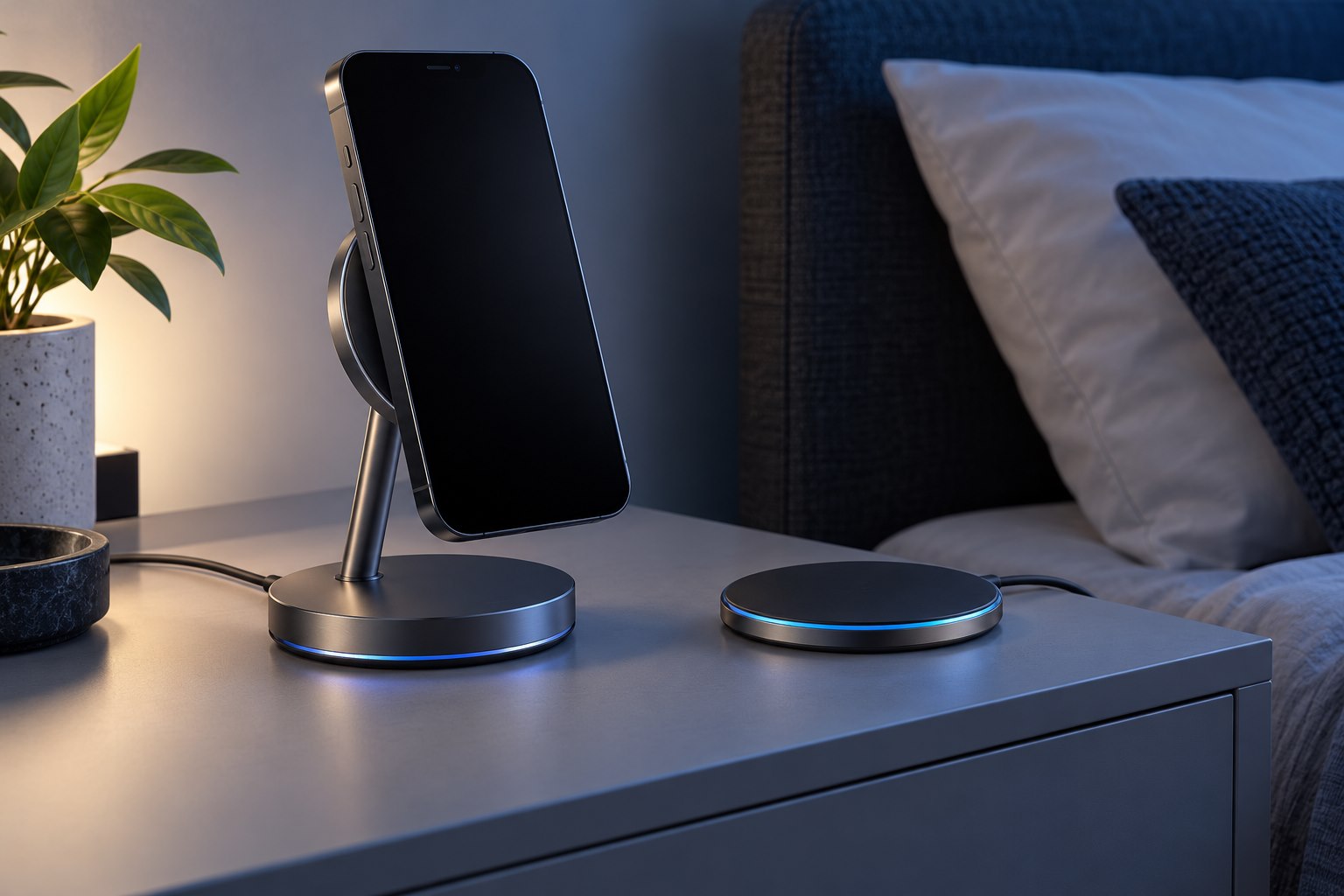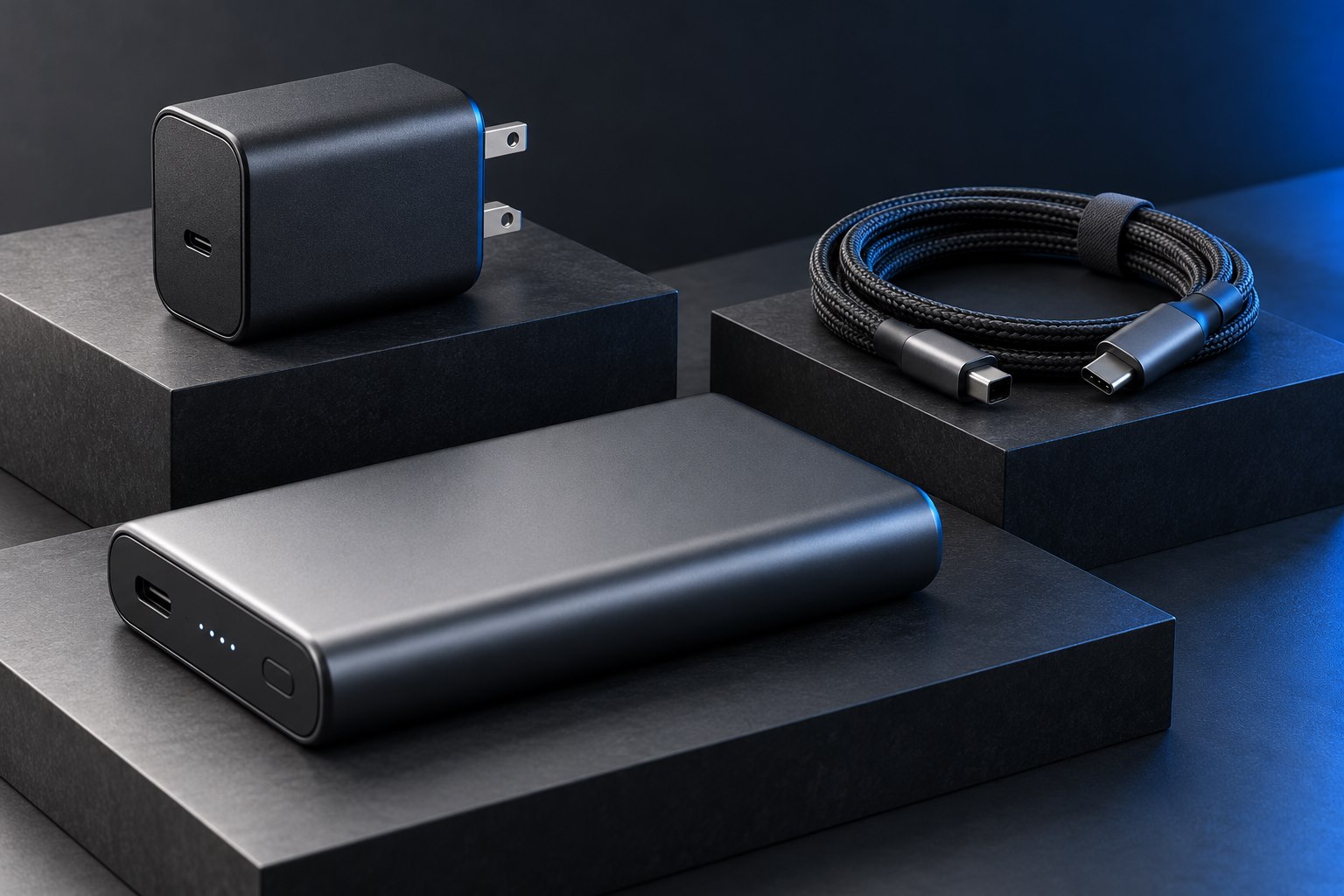
Look up the phone's charging requirements
Fast-charging names are not interchangeable across every phone and charger. The device manufacturer may require USB Power Delivery, Programmable Power Supply support, a particular cable, or another documented combination. Start with the exact phone model's support page. A 100-watt laptop charger can be unsuitable for a phone's preferred fast mode if it lacks the relevant protocol or output range, even though it has ample total power.
Samsung's guidance specifically notes that a high maximum output does not guarantee its Super Fast Charging mode when PPS support is absent. That is a useful example of why the protocol line matters. It should not be read as a universal requirement for every phone. Different models and charging modes have different conditions, and the manufacturer's current documentation is the appropriate reference.
Understand PPS at a practical level
PPS allows a compatible device to request adjustments within the charger's supported range instead of relying only on fixed output profiles. USB-IF's technical material describes programmable voltage and current-limit behavior. You do not need to calculate the phone's charging control strategy to shop sensibly. You do need a charger whose listed PPS capabilities satisfy the phone manufacturer's requirements.
Do not treat the word PPS as a complete compatibility certificate for every advertised phone speed. The supported range, current, port behavior, and cable can still matter. If a listing omits those details, use a documented manufacturer-recommended charger or request the full output specification. A clear compatibility statement for the exact model is more useful than a collection of unrelated fast-charge logos.
Check the cable and shared-port behavior
Some phone modes require a cable with a particular current rating. Follow the exact model's instructions rather than assuming that the cable supplied with an older phone is sufficient. A cable can charge successfully at a lower rate while preventing the intended faster mode. This is an example of partial compatibility, not proof that the charger or phone is broken.
Multiport chargers add another variable. Connecting a tablet or laptop can change the power available on the phone's port, and some products redistribute power when a new device is attached. Test the phone alone first, then in the normal combination. Read the allocation table for the ports you actually use. Moving the cable to a different USB-C socket may change the supported mode on some chargers.
Expect charging power to change during a session
The fastest mode is generally a condition-dependent capability, not a promise of constant power from empty to full. Battery level, temperature, screen use, and background work can affect charging behavior. A warm phone running navigation is not the same test condition as a cool, partly discharged phone with the screen off. Avoid comparing a brief peak on one day with an average from another situation.
For a practical check, use a compatible cable, connect only the phone, and observe the manufacturer's charging status message under ordinary conditions. If the expected mode never appears, inspect settings and the documented charger requirements before buying another accessory. If it appears but the final portion of charging slows, that may be normal battery management. The goal is a supported, dependable charging routine rather than chasing one wattage reading throughout the entire session.
Sources & further detail
These references support the technical context. Examples and selection advice are editorial explanations; verify the documentation for your exact equipment and software.
A detail we should revisit? Send the guide URL and the relevant documentation to SmithKent5791@outlook.com.
Read the editorial policy