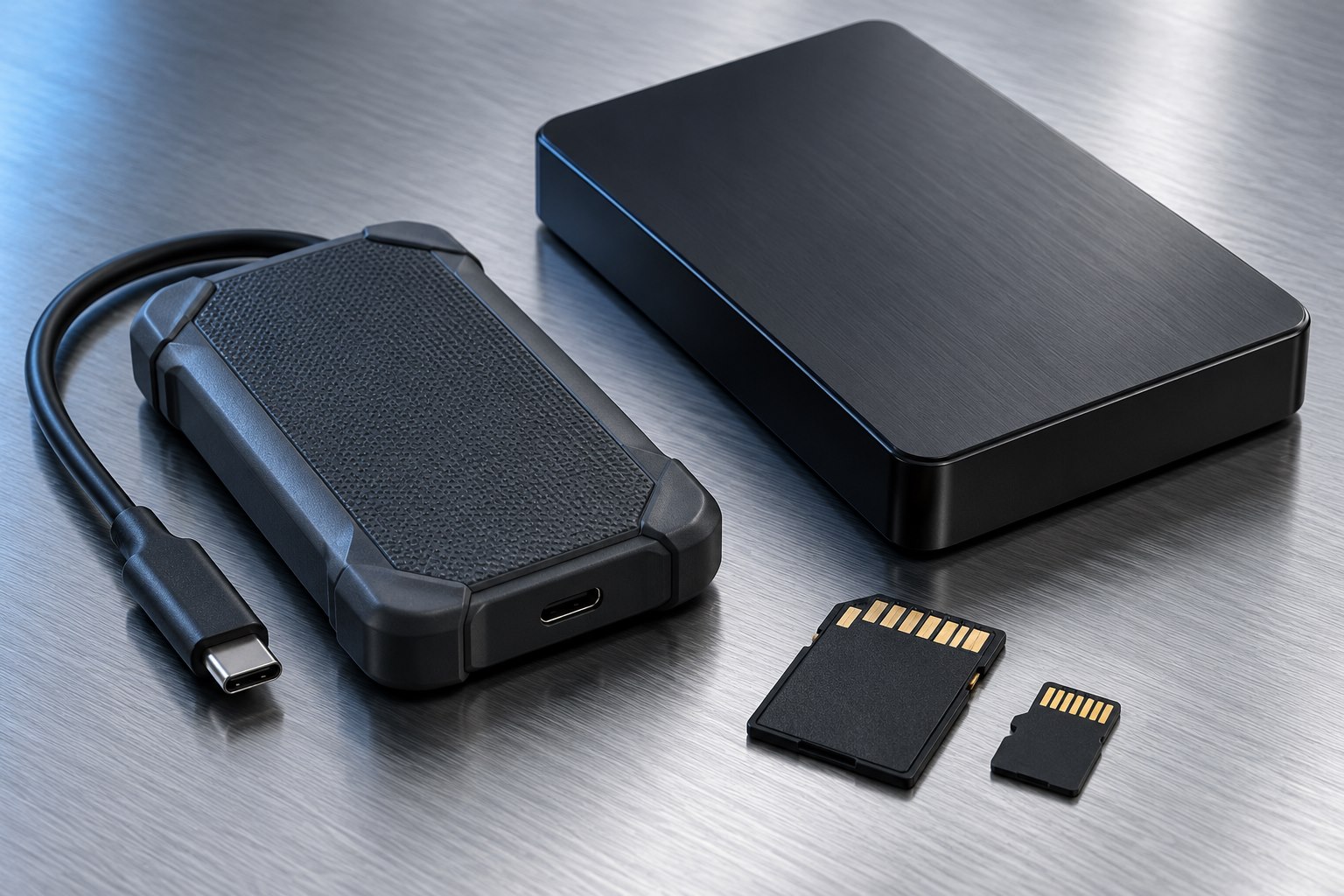
Define the job before the capacity
An external drive can be a working space, a transfer device, a backup destination, or an archive. Those roles place different demands on it. A drive used to edit large projects every day benefits from responsive access. A drive connected once a week to receive a backup may spend most of its life waiting on a shelf.
Write down the largest normal task and how often it happens. Copying a few documents once a month does not justify the same purchase as moving several hundred gigabytes of video every evening. Also decide whether the drive will travel while connected, sit on a desk, or be carried only after it is safely disconnected. Physical handling belongs in the decision alongside speed.
Understand the mechanical difference
A hard disk uses moving platters and heads; an SSD uses flash storage without those moving mechanical parts. Kingston's storage guidance explains this fundamental distinction. It helps account for why an SSD is often attractive in a small traveling setup, while hard drives remain useful when capacity is the priority.
Neither design is immune to failure. An SSD can fail electronically or lose access through a damaged connector. A hard drive can be harmed by shock, particularly while operating, but a drive that stays on a stable desk has a different exposure from one loose in a bag. Choose for the actual environment rather than interpreting solid state as indestructible.
If you carry either type, use a compartment that keeps the connector from being struck or bent. Disconnect before packing and avoid leaving a cable attached as a handle. A protective pouch should not be used to enclose a running drive if it restricts the airflow the manufacturer expects.
Speed is a chain, not one number
The drive's advertised transfer figure is only one part of the path. The computer, connection, source drive, file mix, and application all influence the result. A fast destination cannot copy data more quickly than the source can provide it. Hundreds of small files also behave differently from one large video.
For active work, consider responsiveness as well as a bulk-copy number. Opening a project that references many small files can feel different from copying a single archive. For backups that run unattended, an extra few minutes may matter less than having enough room for several versions.
Compare products using specifications for the exact capacity you intend to buy. Manufacturers sometimes list different performance or endurance figures within the same product family. Do not carry a result from the largest model over to a smaller one without checking.
Capacity has to include the next stage
Estimate current data, expected growth, and the extra space your workflow needs. A working drive may need temporary exports or application caches. A backup drive may need several generations of changed files. Buying a drive that is nearly full on the first day can make both roles awkward.
A simple example is a 500 GB project collection with 100 GB of expected new material each month. A drive barely larger than the current collection leaves little flexibility. Decide how long the purchase should last, then account for growth before comparing models. The calculation is more informative than automatically buying the largest option.
Remember that moving the only copy onto an external drive does not create a backup. It merely changes where the primary copy lives.
Choose a pair when the roles differ
A compact SSD for daily work and a larger separate backup drive can be a sensible combination. The SSD addresses portability and access, while the second drive provides another recoverable copy. Keep an additional copy away from the same bag or room where practical, because one incident can affect both nearby devices.
Before relying on the setup, copy representative files, open them, and run a small restore from the backup. Confirm that your applications support the chosen drive format. Keep the original data until those checks succeed.
The decision should end with a clear sentence: this drive will hold active projects, receive backups, or move files between systems. Once that role is fixed, capacity, portability, and performance become easier to weigh without paying for a speed figure your routine never uses.
Sources & further detail
These references support the technical context. Examples and selection advice are editorial explanations; verify the documentation for your exact equipment and software.
A detail we should revisit? Send the guide URL and the relevant documentation to SmithKent5791@outlook.com.
Read the editorial policy