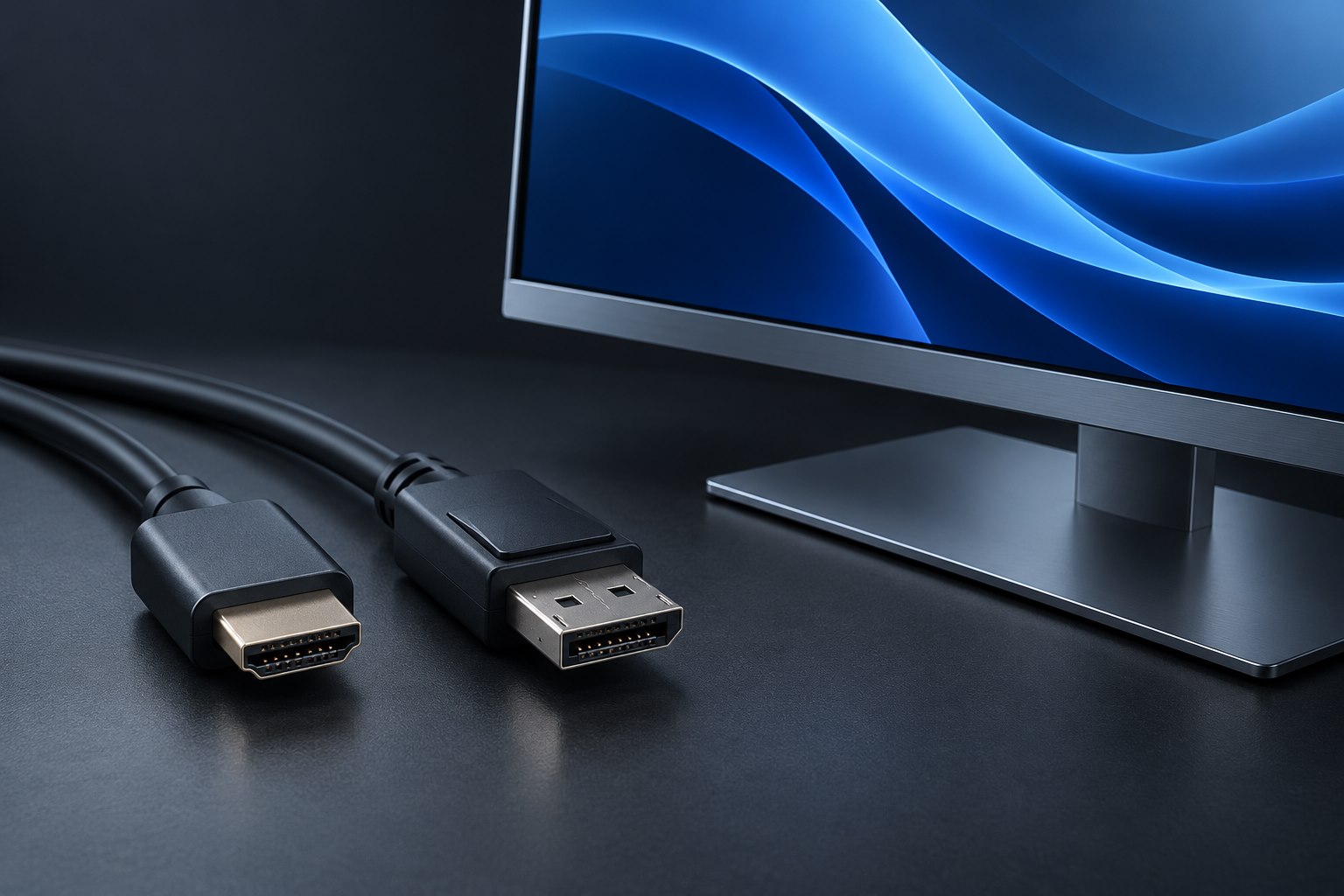
A KVM setup for two computers: trace video and USB separately
A monitor input change does not automatically move the keyboard and mouse with it.
Build a desk around the way you work, from monitor placement and keyboard layouts to cameras and everyday controls.
A monitor input change does not automatically move the keyboard and mouse with it.
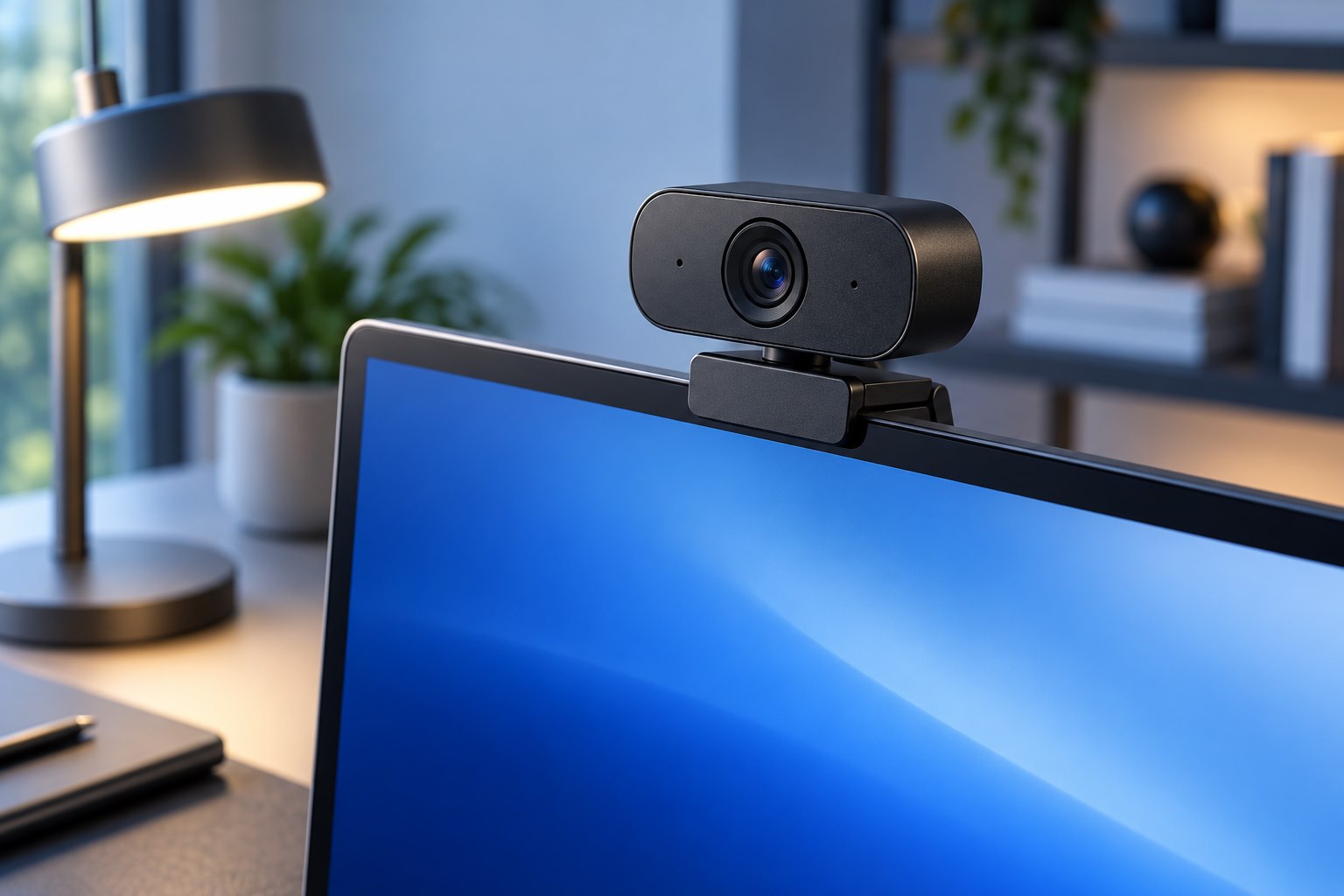
Move the lens, simplify the background, and check the frame from the caller's view.
Choose height, stability, ventilation, and external controls together.
Keep compact typing space while making numeric work deliberate and easy to check.
Choose the control style, button layout, and cleaning routine before making the switch.
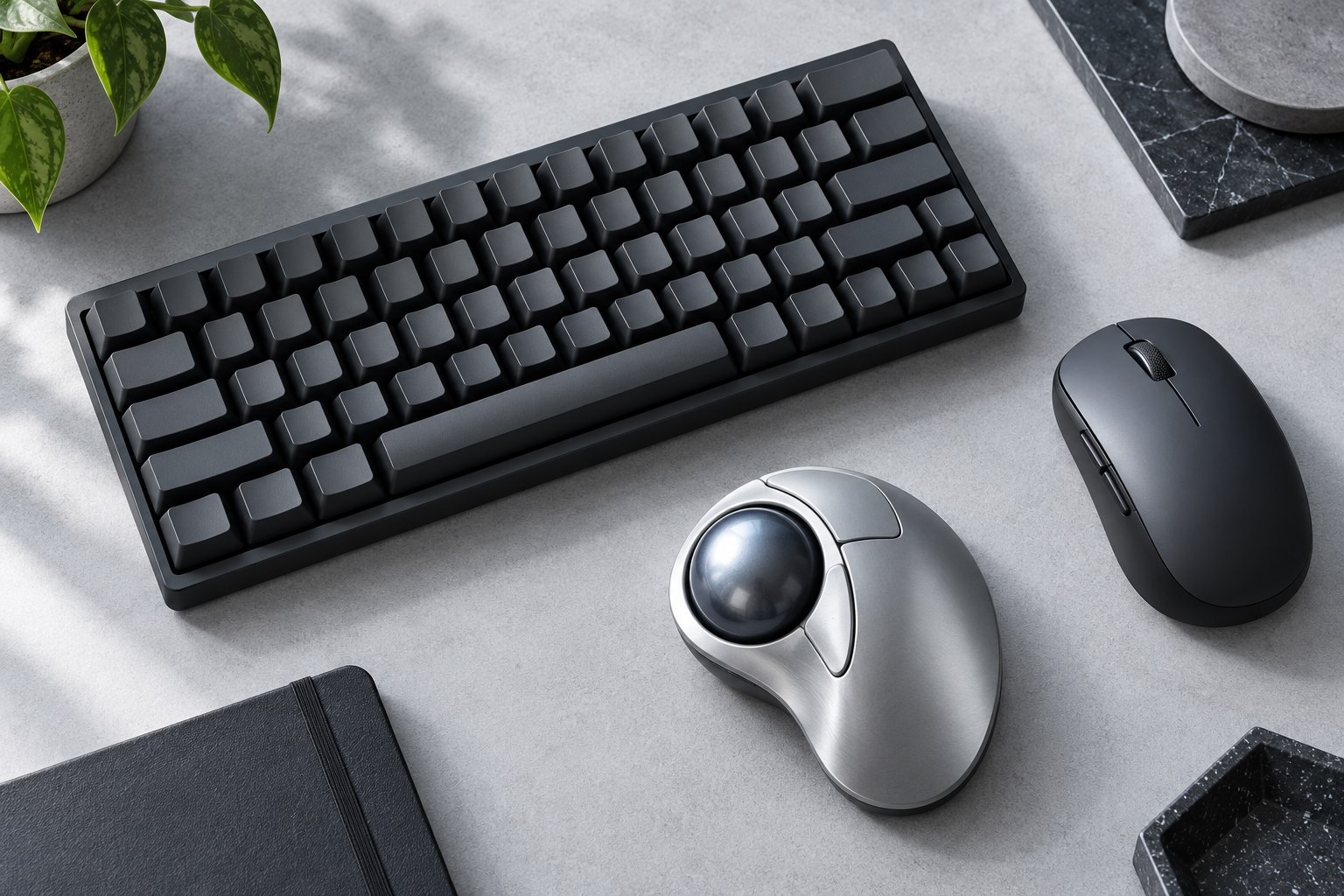
Check pairing slots, receiver support, wake behavior, and what happens when power runs low.
Size, glide, edges, and cleaning matter more than a decorative desk photograph.
Connection, app support, and familiar controls matter when the screen is no longer within reach.
Resolution is only one part of a useful image; lighting, focus, and app limits matter too.
Linear, tactile, and clicky describe a starting point, not the entire typing experience.
Enter shape, language legends, and modifier positions affect daily typing more than a product photograph reveals.
Desk width is useful only when the missing keys do not slow the work.
Button reach, grip, weight, and desk space are more useful starting points than maximum DPI.
Travel, front-edge height, keycap shape, and replacement compatibility all change the experience.
Reflections, lighting direction, and surface treatment shape the everyday image.
Choose readable workspace rather than simply buying the largest pixel count.
Check weight, depth, mount pattern, desk construction, and travel before ordering.
Sensitivity changes pointer travel; polling changes how often movement reports arrive.
Start with one repeated task, distinguish hardware memory from software rules, and keep recovery simple.
Separate the halves gradually, preserve familiar keys, and leave a clear route back.
Window habits, screen sharing, mixed devices, and desk geometry decide the useful layout.
Check supported orientation, physical clearance, and application behavior before rotating.
A changed grip still needs the right size, button reach, and pointer settings.
Smoother motion is useful, but only if the chosen connection and settings deliver it.