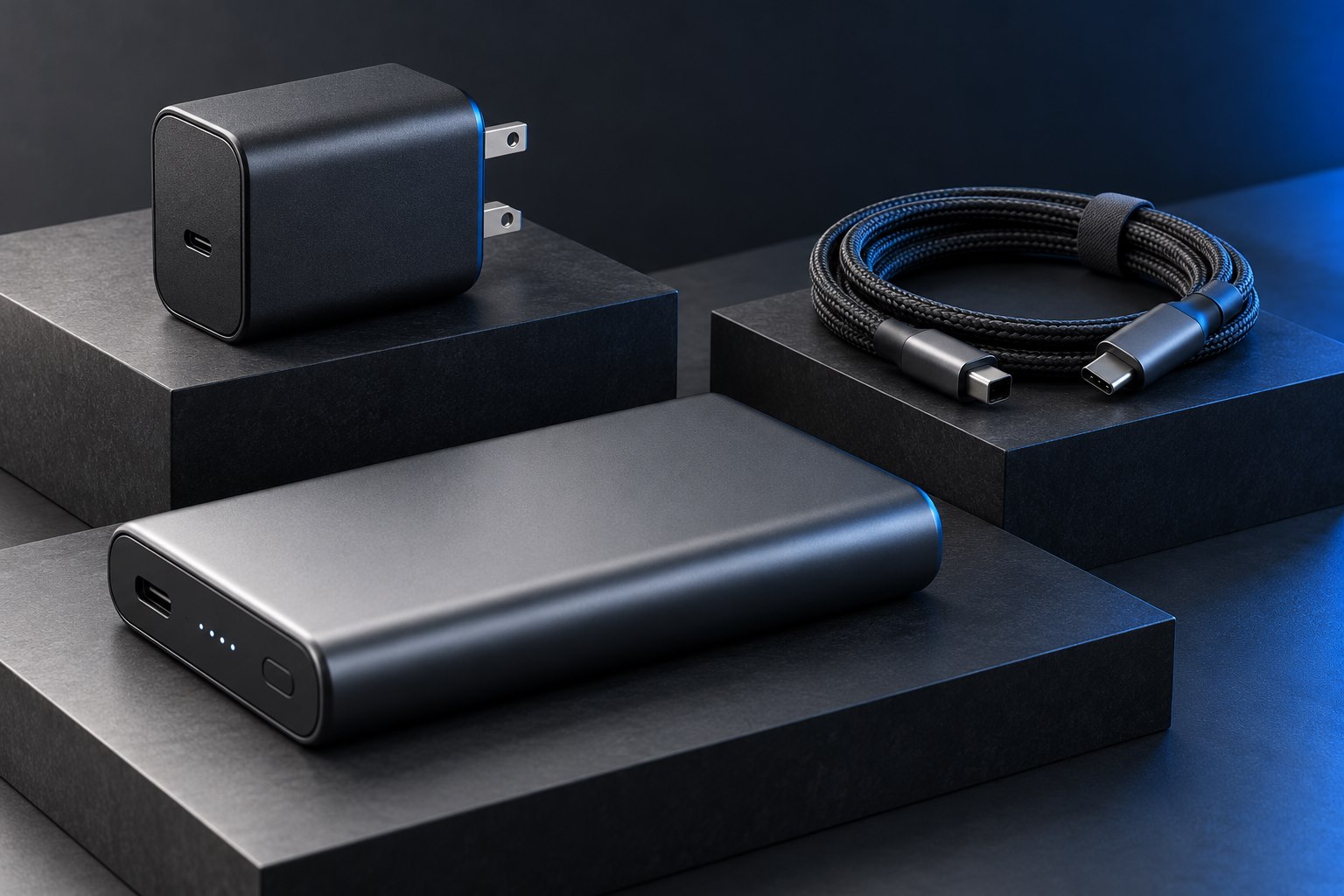
Find the output table, not only the headline
A charger advertised as 100 watts does not deliver that amount to every device or through every port. The label or manual lists supported output combinations, usually as voltage and current. Power is voltage multiplied by current: an output of 20 volts at 3 amps represents 60 watts. That calculation helps interpret a profile, but the connected device must support and request a compatible charging arrangement.
USB Power Delivery allows supported devices and sources to establish an appropriate power connection. USB-IF documents the standard's higher-power development, including Extended Power Range. For shopping, the useful point is simpler: compare the device manufacturer's charging requirement with the specific charger's documented profiles. A large total number on the front of the box is not enough information.
Treat the cable as a rated component
A suitable charger and laptop can still be limited by the cable between them. Check the cable's power rating and any requirement for a particular current capacity or charging mode. Use the device manufacturer's recommended combination when the requirements are unclear. A cable sold for fast data does not automatically answer the power question, and a high-power charging cable does not automatically provide high-speed data or video.
If the charger includes a cable, verify which rating the included cable actually carries. Bundles can contain a capable charger and a cable intended for a narrower use. Keep the cable model or a photograph of its packaging so a later replacement does not quietly change the arrangement. Labeling a laptop charging lead is more useful than assuming all similar USB-C leads in the house are equivalent.
Compare the device's requested mode
A laptop, phone, and handheld accessory can use the same physical charger while drawing different amounts. The charger's maximum is a ceiling under supported conditions, not a constant amount forced into every device. Charging also changes as the battery fills and as temperature or workload changes. A low reading near full charge is therefore not by itself evidence that a charger is defective.
| Specification line | What it tells you |
|---|---|
| Single-port maximum | The upper output available through that port under supported conditions |
| Voltage and current profiles | Which power combinations the charger can offer |
| PPS range, if listed | Whether a compatible device can use that programmable mode |
| Combined output table | What changes when more than one port is occupied |
| Cable rating | Whether the lead can support the intended charging connection |
Use the complete combination to make the purchase
For a spare laptop charger, start with the computer's recommended power level and supported USB-C charging path. For a phone, check the protocol requirements for its preferred charging mode rather than buying the largest laptop brick. For a mixed-device charger, examine the simultaneous-port allocation. A product that fits one use perfectly can be inconvenient when another device reduces the laptop port's available output.
Keep price comparisons fair by including the required cable and any mains lead. Check physical fit in the outlet and whether the charger will block neighboring sockets. A compact unit with clear documentation and adequate output for the actual combination can be more useful than a higher-powered product whose ports are awkwardly spaced or whose sharing behavior is unclear.
Interpret a slower charge in context
If charging seems slow, test with the device partly discharged, a suitable cable, and only that device connected. Check the system's charging message and close unusually demanding tasks for a baseline comparison. Then restore the normal workload and other charger connections. This separates an unsupported profile, shared-output reduction, and normal battery management from a simple hardware fault. Keep the result tied to the exact combination rather than concluding that a charger category is universally fast or slow.
Sources & further detail
These references support the technical context. Examples and selection advice are editorial explanations; verify the documentation for your exact equipment and software.
A detail we should revisit? Send the guide URL and the relevant documentation to SmithKent5791@outlook.com.
Read the editorial policy