Use the device's message as the starting point
A phone may slow or pause charging when its temperature is outside the range its battery-management system allows. Apple documents a Charging On Hold message, while Google provides temperature guidance and diagnostics on supported Pixel devices. If the phone explicitly reports a temperature condition, begin there. Replacing the charger immediately may do nothing to change the situation that caused the pause.
The outside of a phone feeling warm does not provide an exact internal temperature reading. Activity, case material, room conditions, and charging method all influence what you feel. Use the device's own status and manufacturer guidance rather than a universal touch test. A brief warm period during setup can differ from repeated shutdowns or persistent abnormal behavior during light use.
Remove the ordinary heat sources
Move the device out of direct sunlight and away from a hot parked-car environment. Place it on a suitable uncovered surface and stop demanding tasks such as gaming, long camera recording, or hotspot use if they are not needed. If the manufacturer recommends removing a case for charging under these conditions, follow that guidance. The aim is to reduce the workload and surrounding heat, not to force charging through the protection.
Do not put the phone in a refrigerator, freezer, or against an improvised extreme cooling source. Sudden temperature changes and moisture can create additional problems. Let the device return toward normal conditions naturally. If the manufacturer tells you to disconnect charging or turn the device off during a warning, follow that procedure and wait for its normal status to return.
Separate workload heat from accessory problems
A phone running navigation with the screen bright in a sunny car is working harder than one resting on a desk. Google lists several demanding activities that can raise temperature, including recording video, transferring data, and using a hotspot. Charging at the same time adds another condition. Evaluate the whole situation before deciding that a particular charging technology is always unsuitable.
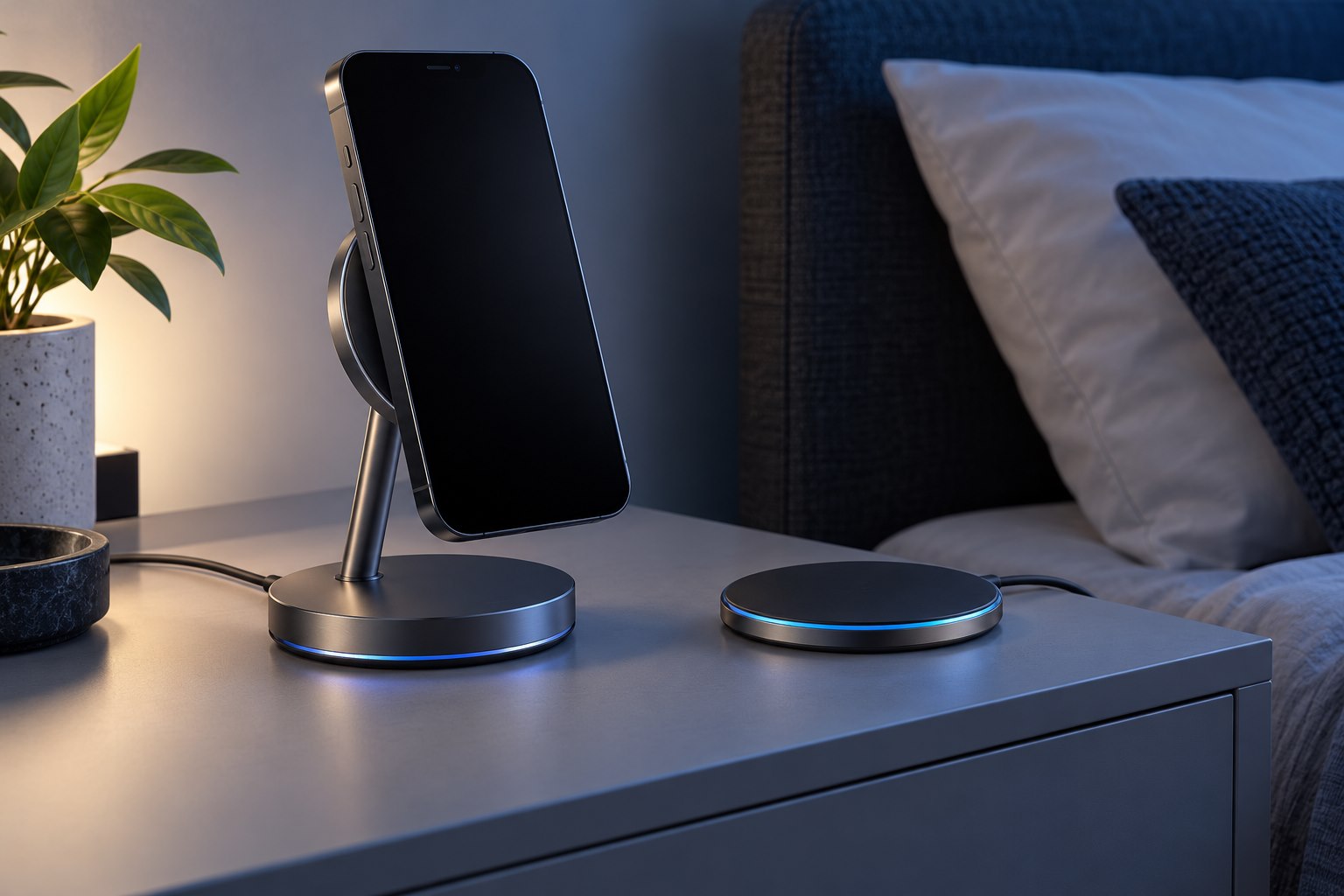
If warmth or interrupted charging appears even during light use in a comfortable room, check the charger, cable, and wireless alignment. Use a supported known-good arrangement and remove unnecessary adapters. Stop using visibly damaged equipment. For wireless charging, an incompatible case or poor positioning can deserve attention, but do not keep repositioning a phone that is displaying a temperature warning just to make the charging icon reappear.
Know what a normal recovery should look like
Apple states that charging resumes when the device returns to an acceptable temperature. The time required depends on conditions, so avoid treating an arbitrary short wait as a diagnostic threshold. Observe whether the warning clears and normal charging behavior returns after the workload and environment improve. Keep the phone available for essential use, but avoid immediately recreating the demanding conditions that triggered the pause.
Repeated warnings during ordinary light activity, unexplained shutdowns, swelling, or other abnormal physical signs call for manufacturer support rather than repeated charger swaps. Record the device model, software version, charging method, and activity when the event occurs. A clear description helps distinguish a normal protective response from a problem needing service. The protective pause is information to act on, not a feature to bypass.
Sources & further detail
- Apple: Charging On Hold notifications
- Google: Help keep a Pixel from getting too warm
- Google: Understand Pixel temperature
These references support the technical context. Examples and selection advice are editorial explanations; verify the documentation for your exact equipment and software.
A detail we should revisit? Send the guide URL and the relevant documentation to SmithKent5791@outlook.com.
Read the editorial policy